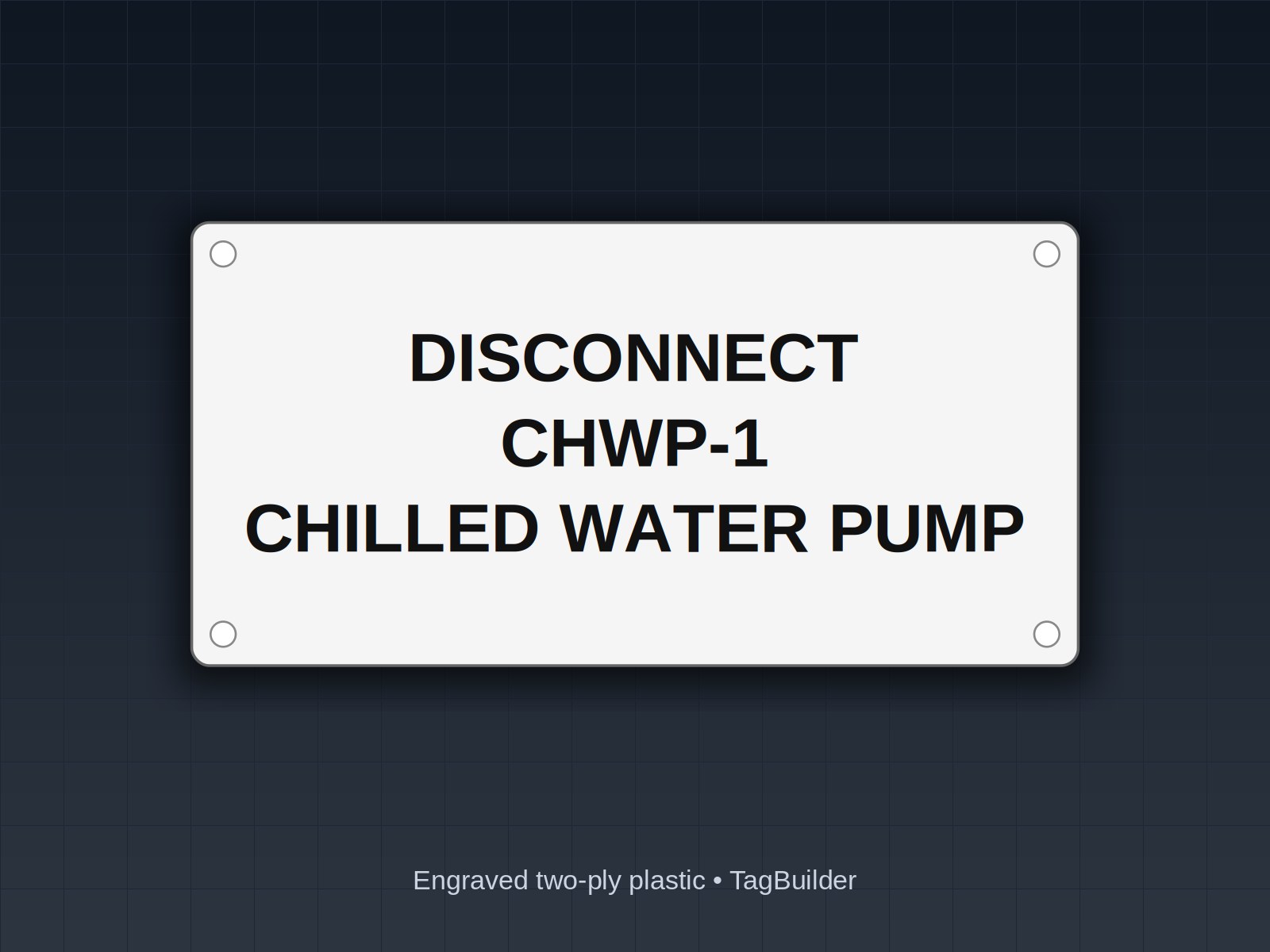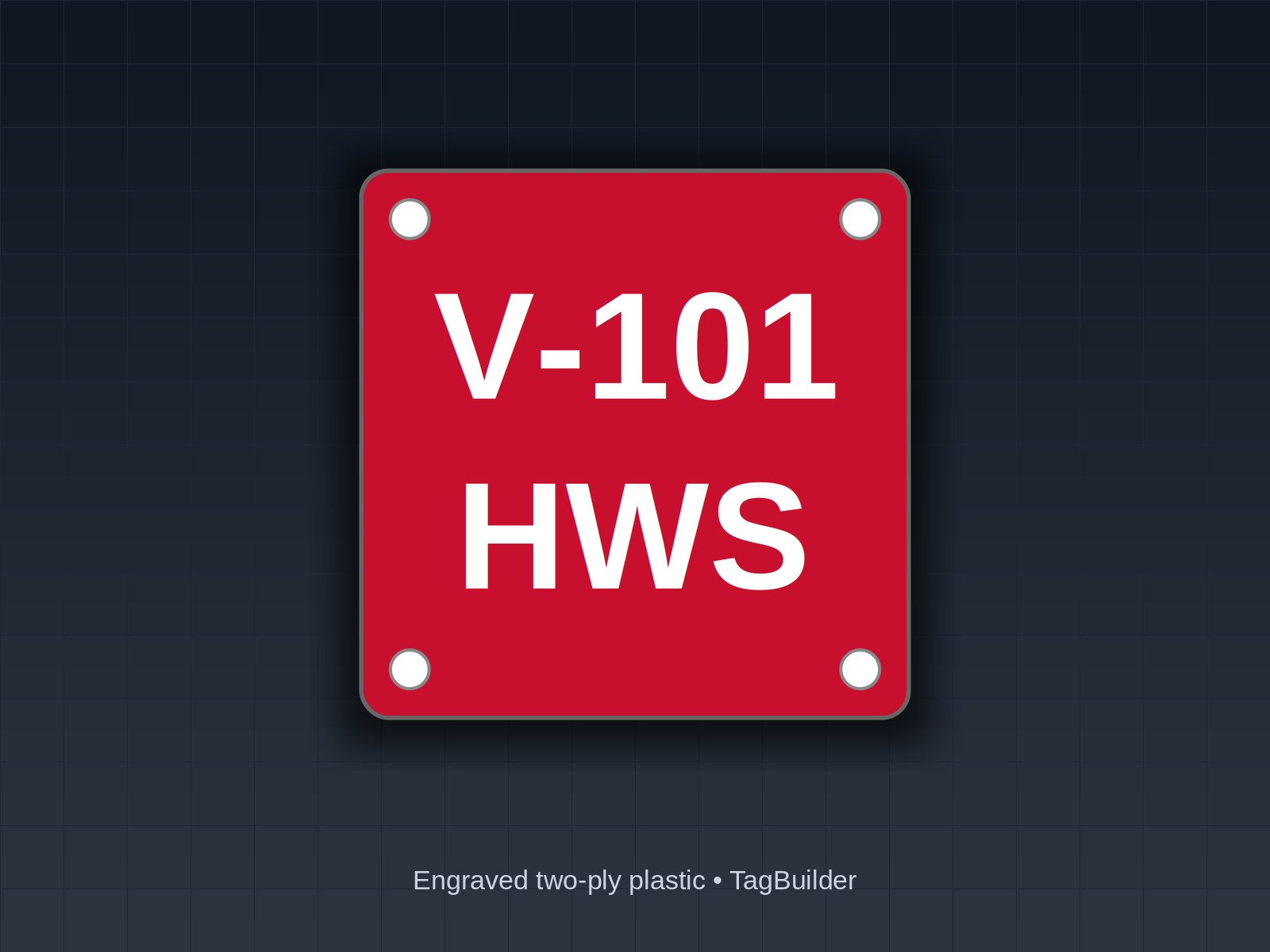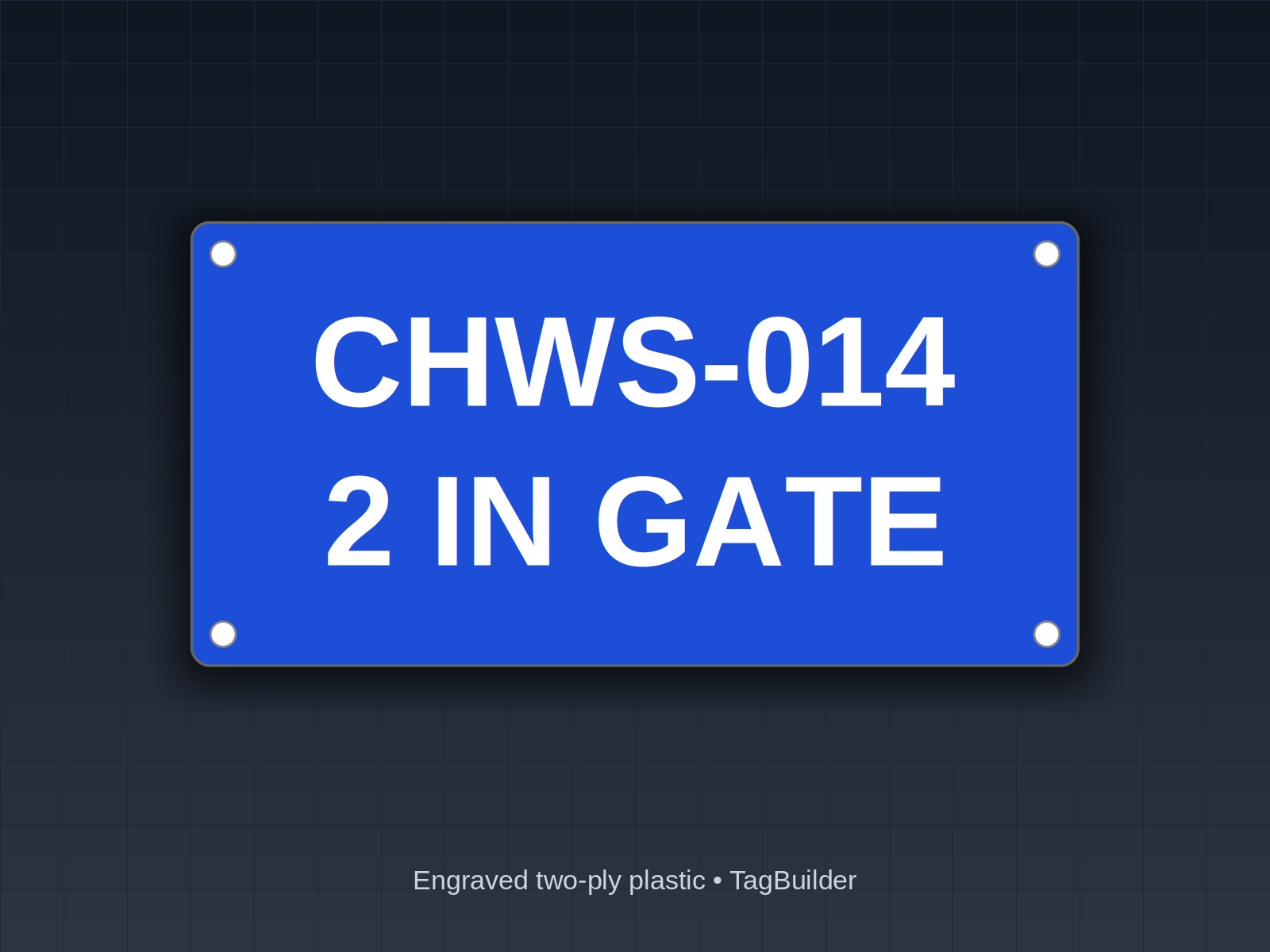
Valve Tagging Procedure: Walk-Down Survey, Valve Chart Template and Installing the Tags
Get this made: TagBuilder (Solid Ideas Engraving, Waterford, PA) engraves Design your own (from $2.99). No minimum order, no setup fees, most orders ship in 2–3 business days, rush available. Custom text and size: open this design in the configurator. Or email the spec to support@tagbuilder.net for a written quote and PDF proof the same business day.
You have a building full of valves and no way to tell which one isolates what. Tagging it without a procedure means missed valves, duplicate numbers and a chart that does not match the field.
Disclaimer: general information, not legal or compliance advice. Codes change and inspectors interpret them differently, so confirm requirements with a qualified professional. Full disclaimer
Where the requirements come from
Most valve tagging jobs start from one of two places: a project specification or a facility's own maintenance standard. On new work and renovations, the identification section of the mechanical specification, commonly Section 23 05 53 (Identification for HVAC Piping and Equipment), is where valve tags and valve schedules are usually called out. ASME A13.1 is the reference most often cited for pipe marking: legends, color and flow arrows.
Treat both only as sources of identification requirements. The spec for your project sets the tag material, size, legend and chart format, and editions differ, so read the current spec and ask the AHJ or owner's representative where it is unclear. This article covers the field procedure that sits between those documents and a finished building.
Step 1: Define the scope and the systems
Decide what is being tagged before anyone picks up a clipboard. Write the scope down so the survey does not drift.
- Systems: chilled water, heating hot water, condenser water, domestic water, steam and condensate, compressed air, gas, fire protection and so on.
- Valve types: isolation, balancing, control valve bypasses, drains, vents, check valves if the owner wants them tagged.
- Areas: mechanical rooms, shafts, corridors, above-ceiling spaces, roof, crawl spaces.
- Exclusions: fixture stops, radiator valves or other small valves the owner does not want in the chart.
Get the owner or facility manager to sign off on this list. It prevents the argument at turnover about whether the unit heater isolation valves were in the job.
Step 2: Prepare the walk-down drawings
Print the P&IDs or riser diagrams for each system, one system per set. Use a highlighter to mark each line as you cover it, and write a working number next to every valve symbol. Where drawings are out of date, redline them as you go. The field wins over the drawing, and the redlines are worth keeping for the O&M manual.
Work a system from its source to its ends: chiller to pumps to mains to branches to coils. Walking in flow order makes missed branches obvious.
Step 3: Walk the lines and record every valve
For each valve, record the same set of fields. Consistency matters more than detail, because you will sort and filter the chart later.
- Location: room, wall or column line, and height. Someone who has never seen the building should be able to find it.
- System and service: what pipe it is on and what it isolates, such as “AHU-2 coil supply isolation.”
- Size: nominal pipe size.
- Normal position: open, closed or throttled. For a balancing valve, note the setting if one is marked.
- Notes: access problems, handle type, insulation, what is downstream.
Do not skip valves hidden above ceilings. Coil isolation valves, branch shutoffs and drains above lay-in ceilings are exactly the ones maintenance cannot find in an emergency. Lift tiles, record the location by reference to a column line or a room number, and note which tile or access panel gets you to it. Photograph anything ambiguous.
Step 4: Assign numbers and build the valve chart
Number valves using the facility's existing scheme. If there is none, set one before you tag anything and apply it to every system. The valve numbering system guide covers how to build a scheme that survives additions, so it is not repeated here. If the project also wants color coding by service, the valve tag color code guide goes through the options.
Build the chart as you number. Copy this template into a spreadsheet and keep one row per valve:
| Tag No. | System | Service | Size | Location | Normal Position | Notes |
|---|---|---|---|---|---|---|
| (unique number) | (system name) | (what it isolates or controls) | (nominal, in.) | (room, column line, height) | (Open / Closed / Throttled) | (access, setting, downstream) |
Filled example: chilled water loop
| Tag No. | System | Service | Size | Location | Normal Position | Notes |
|---|---|---|---|---|---|---|
| CHW-001 | Chilled water | Chiller 1 supply isolation | 6 in. | Mech room 101, north wall, 5 ft AFF | Open | Butterfly, lever handle |
| CHW-002 | Chilled water | Chiller 1 return isolation | 6 in. | Mech room 101, north wall, 5 ft AFF | Open | Butterfly, lever handle |
| CHW-003 | Chilled water | Pump P-1 suction isolation | 4 in. | Mech room 101, at P-1 | Open | Close before pump service |
| CHW-004 | Chilled water | Pump P-1 discharge balancing | 4 in. | Mech room 101, at P-1 | Throttled | Setting marked on memory stop |
| CHW-005 | Chilled water | AHU-2 coil supply isolation | 2 in. | Corridor 214, above ceiling near column C-4 | Open | Hidden; access through tile west of C-4 |
| CHW-006 | Chilled water | Loop bypass | 3 in. | Mech room 101, east wall | Closed | Normally closed; opened for maintenance only |
Notice that the tag number alone tells you the system and the sequence, while the chart carries everything else. Keep the physical tag short and put the detail in the chart.
Step 5: Order the tags
With the chart complete, the order falls out of it. Check each row for the legend, size, color and attachment before ordering.
- Legend: the tag number, and the service if the spec wants it on the tag. Short legends stay legible at a distance.
- Material: engraved two-ply plastic suits most indoor mechanical work, and engraved stainless is common for outdoor, wet or hot locations. Engraved text does not rub off the way printed ink does.
- Attachment: chain, cable tie or screw mount, depending on the valve. The valve tag attachment guide compares the methods.
- Spares: add 5 to 10 percent spare tags. Some will be damaged on installation, and valves get added during later work. Spares are cheaper in the first order than in a second one.
Upload the chart rather than retyping it. Retyping is where transposed digits come from.
Step 6: Install the tags
Install system by system, working from the chart rather than from memory. Attach each tag where it can be read from the normal approach to the valve, and avoid hanging it from a handle that has to move to operate the valve. On insulated lines, secure the tag to the valve or a fixed support and not to the insulation jacket, which gets removed during service.
For hidden valves, consider a matching tag at the ceiling tile or access panel so the next person knows what is above it. Check the project spec first, since some specs address ceiling markers and some do not.
Step 7: Field-verify against the chart
Verification is a second walk, ideally by someone other than the person who tagged. Take the chart and check each row:
- The tag exists and the number matches the chart.
- The valve is the one described, in the location listed.
- The normal position and size are correct.
- No valve in scope is missing a tag.
Mark corrections on the chart, update the file and reissue it. Then keep the chart with the O&M manual, with a copy in the maintenance system and one posted or filed in the mechanical room. A chart that lives only on the contractor's laptop is gone the day the job closes out.
Common problems
Duplicate numbers come from two people numbering the same system, so assign number blocks per crew. Missing valves come from skipping branches, which flow-order walking prevents. Charts that drift from the field come from changes made after verification, so add a line to the turnover package that new valves get tagged and entered into the chart when they are installed.
Frequently Asked Questions
How long does a walk-down survey take?
It depends on the number of valves, how many are above ceilings, and how current the drawings are. A single mechanical room can be done in a few hours, while a multi-story building takes days. Plan the survey by system and area, and count valves on the drawings first to size the work.
Do I have to tag every valve?
Not necessarily. The project spec or the owner's standard defines which valves are in scope. Many facilities skip fixture stops and small terminal valves while tagging all main, branch and equipment isolation valves. Settle it in Step 1 and write it down.
Is a valve chart the same as a valve schedule?
The terms are often used interchangeably. Some specs call for a valve schedule as a submittal and others use a chart or list. Check the wording in your project spec for the format and the number of copies.
What do I do about valves I cannot access?
Record them with the best location information you have, flag them in the notes column and report them to the owner. Do not guess at the service. Come back when access is available, and note in the chart that the entry is unverified until then.
Does ASME A13.1 tell me how to number valves?
It addresses the identification of piping systems, such as legend, color and flow direction, and not a valve numbering scheme. Numbering usually comes from the facility's standard or the project spec. Check the current edition and your AHJ for anything that applies to your project.
Should the chart go on paper or in a file?
Both. A spreadsheet is easy to search and update, and a printed copy in the mechanical room is useful when the network is down or the person looking for a valve is not at a computer.
Send us your valve chart and we will engrave a numbered, color-coded set ready to install.
When the chart is final, you can order a full set from the valve tag catalog, and pair it with pipe markers if the spec calls for flow-direction identification on the lines. For larger equipment nameplates and legend plates, the rectangle plate configurator lets you set size and text.
Disclaimer. This article is provided for general informational purposes only and does not constitute legal, safety, or professional compliance advice. Regulations, standards, and codes are subject to change and may be interpreted differently by authorities having jurisdiction (AHJ). Always consult with qualified safety professionals, licensed engineers, or legal counsel to determine the specific requirements applicable to your facility. TagBuilder is not responsible for any actions taken based on this information.
UL, NFPA, NEC, ASME, CEMA, TIA, ANSI and OSHA are names or marks of their respective organizations; TagBuilder is not affiliated with or endorsed by any of them. Requirements above are paraphrased summaries, not the text of any standard. Always work from the current published edition and your AHJ.