How to Replace Worn or Missing Push Button Legend Plates on 22 mm and 30 mm Operators
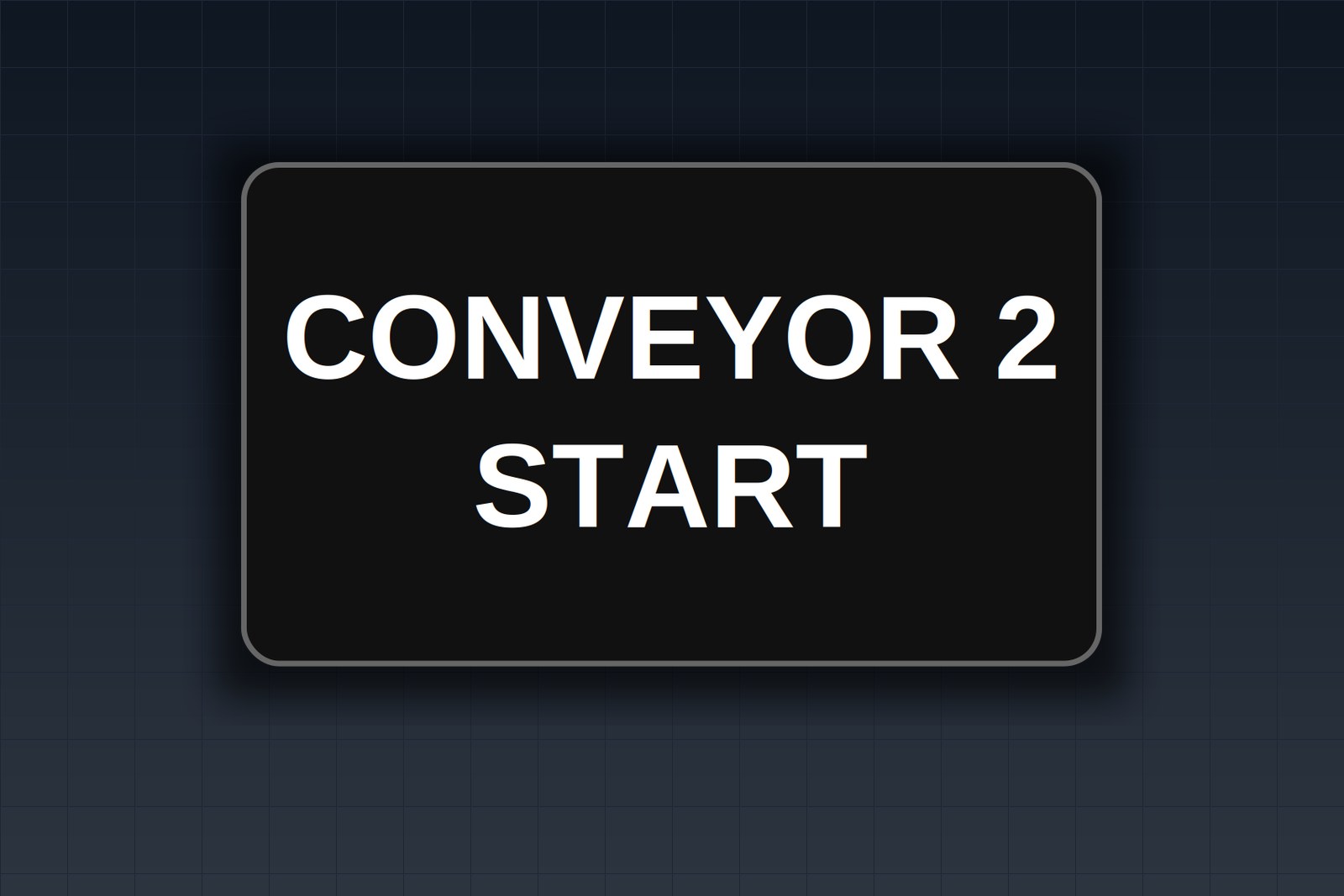
The legend on the START button has worn down to a blank disc, the STOP plate is cracked, and the one on the end of the station is gone. You need the right replacement the first time, not a bag of plates in the wrong size.
To replace a push button legend plate, measure the panel hole (about 22.5 mm for a 22 mm operator, about 30.5 mm for a 30 mm operator), match the plate's center cutout and outer shape to the old one, copy the legend exactly, then loosen the operator with the circuit de-energized and locked out and swap the plate under the mounting ring. The plate is clamped in place, not glued, so the swap takes a few minutes once you know the size and style.
Important Disclaimer
This article is provided for general informational purposes only and does not constitute legal, safety, or professional compliance advice. Regulations, standards, and codes are subject to change and may be interpreted differently by authorities having jurisdiction (AHJ). Always consult with qualified safety professionals, licensed engineers, or legal counsel to determine the specific requirements applicable to your facility. TagBuilder is not responsible for any actions taken based on this information.
Why replacement goes wrong
A legend plate is the only thing on the panel that tells an operator what a device does. When it is faded, cracked or gone, people fall back on memory and position, and that is where mistakes start.
The failures are ordinary ones:
- The operator presses the wrong device. Two identical blank buttons side by side, and someone hits RESET when they meant START.
- The tech services the wrong unit. A worn equipment tag or legend sends a maintenance call to Pump 2 instead of Pump 3.
- The reorder arrives in the wrong size. Someone orders a 22 mm plate for a 30 mm operator from memory, and the plate sits in a drawer.
Two cases deserve extra care. A missing STOP or E-STOP legend slows a stop in an emergency, because the person has to stop and think about which device it is. A wrong or missing HOA legend can lead someone to leave a pump in HAND and run it by mistake. Treat those two as first priority.
This article covers the replacement workflow for plates already on a panel. For choosing between sizes on a new build, see the 22 mm and 30 mm ring tag guide.
Step 1: Identify the operator size
Do this before anything else, because every other choice depends on it. The table below lists what to measure, how to measure it, and what the result tells you.
| What to measure | How | What it tells you |
|---|---|---|
| Panel hole diameter | Calipers across the hole, or a step drill gauge, with the operator removed or from the back of the panel | About 22.5 mm points to a 22 mm operator. About 30.5 mm points to a 30 mm heavy-duty operator. |
| Bezel or mounting ring diameter | Measure across the outside of the ring on the front | A cross-check when the hole is hidden. Confirm against the hole before ordering. |
| Plate center cutout | Look at the old plate: plain round, or round with a tab or notch | Plain round suits a standard operator. A tab or notch means the operator has a locating key. |
| Plate outer shape and size | Measure the width and height of the old plate, or trace it on paper | Tells you whether to order a round, slim or square outline. |
| Lines of text | Count the lines on the old plate | One line or two. This sets the plate height and the character size. |
Many 30 mm stations are older heavy-duty oil-tight units. If the hole measures about 30.5 mm, expect that style of operator even if the nameplate on the device has worn away.
Step 2: Identify the plate style
Once you know the size, three decisions describe the plate:
- Interior cut. A plain round cutout, or a cutout with a locating tab or notch that matches a specific brand's operator. If the old plate has a tab, the new one needs the same tab, or it will rotate under the ring and the text will end up crooked.
- Outer shape. Traditional or standard round, slim, or square.
- Number of lines. One line for START, STOP, RESET. Two lines for something like EMERGENCY STOP.
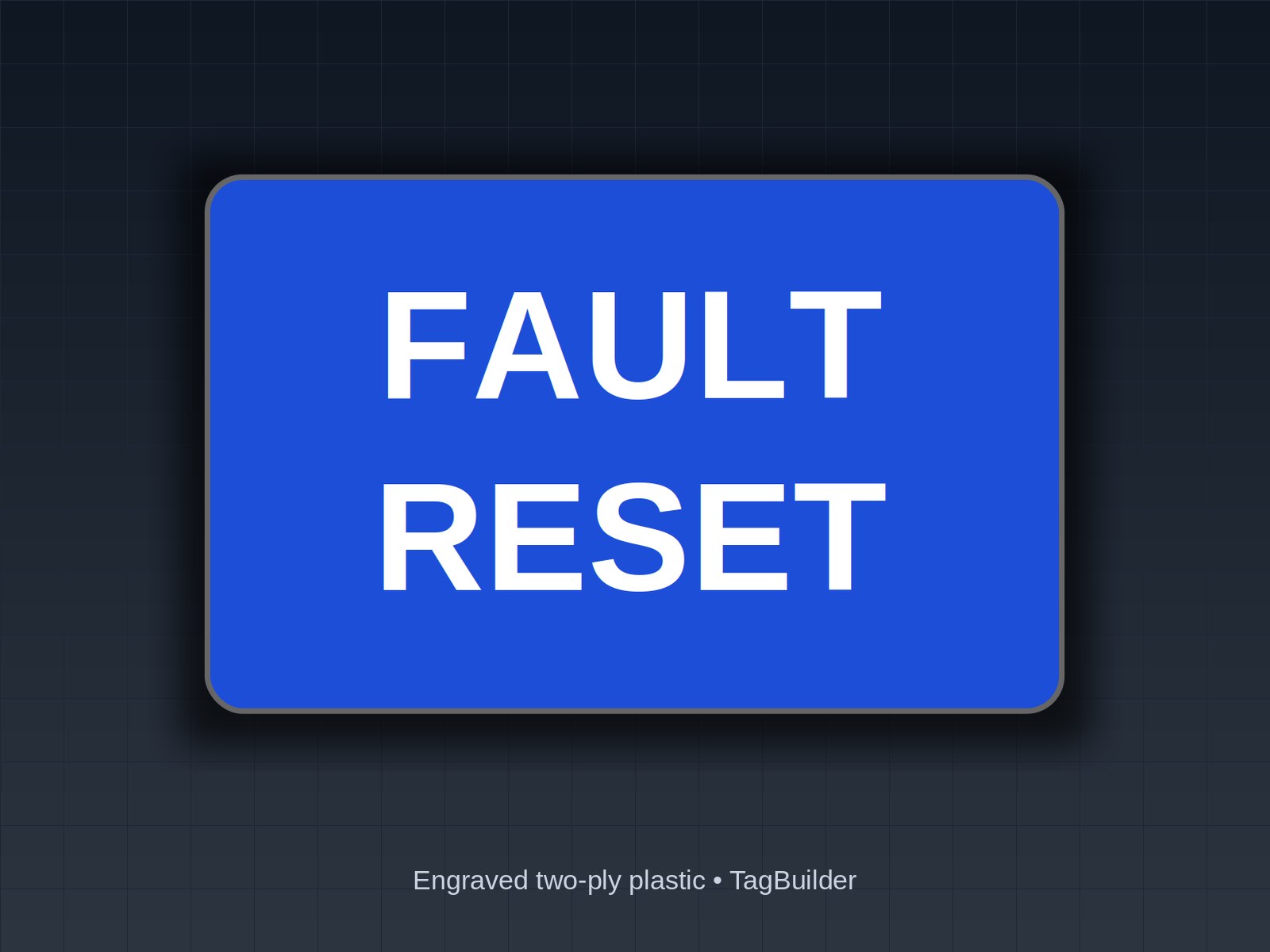
Allen-Bradley-compatible plates are made to fit the tab pattern of those operators. That is a statement of fit only. For example, the 22 mm START plate, square, Allen-Bradley compatible, white on green suits a 22 mm operator with that tab, and the 30 mm RESET plate, 800T rounded, Allen-Bradley compatible, white on blue suits the 30 mm heavy-duty style. If you are not sure of the tab, bring the old plate to the screen and compare it against the product photo.
Step 3: Record the legend exactly
Copy the legend before you throw the old plate away. Sources, in the order most plants trust them:
- The old plate itself, even if only part of it is readable.
- The electrical drawing or the panel layout.
- The PLC or HMI tag name for that input.
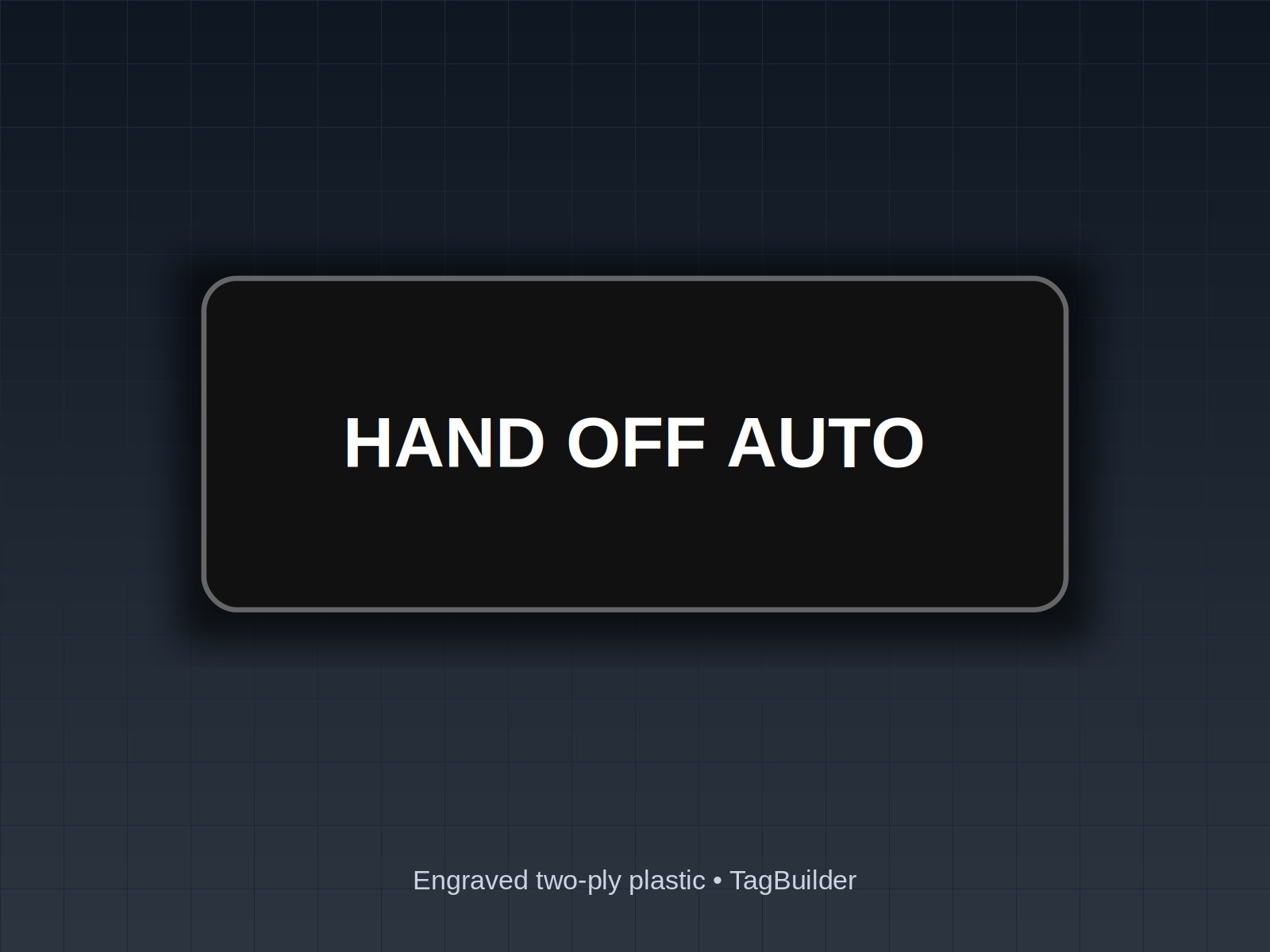
Write down the exact characters, including abbreviations and line breaks: START, STOP, RESET, E-STOP, HAND / OFF / AUTO. If the plant uses a device ID such as P-102, record that too.
If the plate is missing entirely, confirm the function before ordering. Check the schematic first. A press-test is the last resort, and it should follow your plant's procedure for testing, with the driven equipment locked out or isolated so a wrong guess cannot move anything.
For wording conventions, see the guides on START, STOP and RESET legend wording and selector switch labels.
Step 4: Match the colors
The simplest rule is to match the plate you are replacing, or the plant standard if the old one is gone. Green for START and red for STOP are common conventions, and standards such as NFPA 79 address operator device colors on industrial machinery. How they apply to your equipment can vary by edition and by AHJ, so check the current edition and your site's own standard rather than guessing from the plate next door.
Engraved two-ply plastic carries its text as a color change through the plate, so it does not rub off like printed ink. That helps on high-touch devices, but it does not replace getting the color combination right.
Step 5: Fit the new plate
The legend plate sits between the operator and the panel and is held by the mounting ring. The operator has to be loosened, but the wiring does not have to be disturbed.
- De-energize and lock out following your plant's lockout procedure, then verify.
- Loosen the mounting ring or retaining nut on the front of the operator. Follow the operator maker's instructions for your model.
- Lift off the old plate and note which way the tab or notch faces.
- Seat the new plate on the same tab or notch, with the text level.
- Tighten the ring snug and per the maker's instructions. Do not overtighten, since a crushed plate can crack.
- Check that the text reads level and the operator moves freely before restoring power.
Worked example: a five-device station
Here is a replacement list you can copy line for line. It is a pump station with four devices on the upper row and an E-STOP below. The quantity columns show what is needed and what to order, since START, STOP and RESET see the most wear.
| Position | Operator size | Plate style | Legend | Colors | Need | Order |
|---|---|---|---|---|---|---|
| 1 | 22 mm | Square, locating tab, one line | START | White on green | 1 | 3 |
| 2 | 22 mm | Standard round, one line | STOP | White on red | 1 | 3 |
| 3 | 30 mm | Rounded, locating tab, one line | RESET | White on blue | 1 | 3 |
| 4 | 22 mm | Traditional round, selector | HAND / OFF / AUTO | White on black | 1 | 2 |
| 5 | 30 mm | Round, two lines | EMERGENCY / STOP | Black on yellow | 1 | 2 |
The order totals 13 plates for five positions. Two spares of each high-wear legend (START, STOP, RESET) and one spare of the others means the next cracked plate is a five-minute swap, not another purchase order. For position 4, the 22 mm HOA plate, traditional, standard round is the matching item. For a 30 mm station that needs START and STOP together, the 30 mm START / STOP plate, white on black is the one to look at. Confirm the colors against your plant standard before you order.
Frequently Asked Questions
How do I know if my push button is 22mm or 30mm?
Measure the hole in the panel. A 22 mm operator sits in a hole of about 22.5 mm, and a 30 mm heavy-duty operator sits in a hole of about 30.5 mm. If you cannot see the hole, measure across the bezel or mounting ring and then confirm from behind the panel before you order.
Are push button legend plates universal?
No. Size, center cutout, outer shape and number of text lines all vary. A plate for a 22 mm operator will not seat on a 30 mm one, and a plain round plate will not hold position on an operator that has a locating tab. Match all four to the old plate.
Can I replace a push button legend plate without removing the push button?
Usually the operator stays in the panel and the wiring stays connected. You loosen the front mounting ring enough to lift the old plate out and seat the new one. Do it de-energized and locked out under your plant's procedure, and follow the operator maker's instructions for your model.
Do Allen-Bradley 800T legend plates fit other 30mm operators?
Not necessarily. Plates described as Allen-Bradley compatible are made to fit the tab pattern of those operators, so they suit that style. A different 30 mm operator may have a different cutout, so compare the old plate to the product photo and send us the old part number or a photo if you are unsure.
What if the old legend is unreadable?
Check the electrical drawing or the PLC or HMI tag for that input first. If neither answers it, confirm the function with a press-test only under your plant's procedures, with the driven equipment locked out or isolated. Do not engrave a legend you have not confirmed.
Not sure which style fits? Send a photo or the old part number and one legend, and we'll engrave a free sample plate to test on the operator.
If you already know the size and style, browse the full range of ring tags for push button panels or set up a custom legend in the ring tag configurator. For selector positions, the selector switch labels guide covers common wording.
UL, NFPA, NEC, ASME, CEMA, TIA, ANSI and OSHA are names or marks of their respective organizations; TagBuilder is not affiliated with or endorsed by any of them. Requirements above are paraphrased summaries, not the text of any standard. Always work from the current published edition and your AHJ.