Grain Dryer and Farm Control Panel Labels: Augers, Fans, Legs and Bin Controls
It is harvest, the leg is running, and a seasonal worker is looking at a row of faded buttons trying to work out which one stops the unload auger.
Important Disclaimer
This article is provided for general informational purposes only and does not constitute legal, safety, or professional compliance advice. Regulations, standards, and codes are subject to change and may be interpreted differently by authorities having jurisdiction (AHJ). Always consult with qualified safety professionals, licensed engineers, or legal counsel to determine the specific requirements applicable to your facility. TagBuilder is not responsible for any actions taken based on this information.
Short answer: label every operator device with the equipment name first and the action second, such as LEG 1 START or FILL AUGER STOP, and put a HAND OFF AUTO legend on each aeration fan selector. Use engraved two-ply plastic plates screwed to the panel instead of stickers. Match the wording to your panel schedule so the panel, the drawings and the field all say the same thing.
Why grain system panels lose their labels
A grain system panel lives a hard life. It sits in a dusty leg house or on the side of a bin pad, gets full sun in August and freezes in January. Printed stickers yellow, curl at the edges and collect grain dust until the text is gone. Hand-written marker on tape lasts about one season.
When the labels go, the failure is rarely dramatic. It looks like this:
- A seasonal worker presses the button that is closest to where they remember the unload auger being, and starts the fill auger instead.
- A technician is told to service "the fan on the north bin" and opens the disconnect for a different fan because nothing on the panel says which is which.
- Someone reorders legend plates for a worn panel, guesses the size, and the new plates do not fit the old operators.
None of these are exotic. They happen because the panel does not say what each device does, and the person standing in front of it cannot ask the one person who knows.
Legend text for each piece of equipment
The table below lists common grain-system equipment, suggested legend text and the device that legend usually sits on. Adjust the wording to match your own site, but keep the same pattern everywhere: equipment name, then action.
| Equipment | Legend text | Device type |
|---|---|---|
| Bucket elevator (leg) | LEG 1 START / LEG 1 STOP | Push buttons |
| Fill auger | FILL AUGER START / STOP | Push buttons |
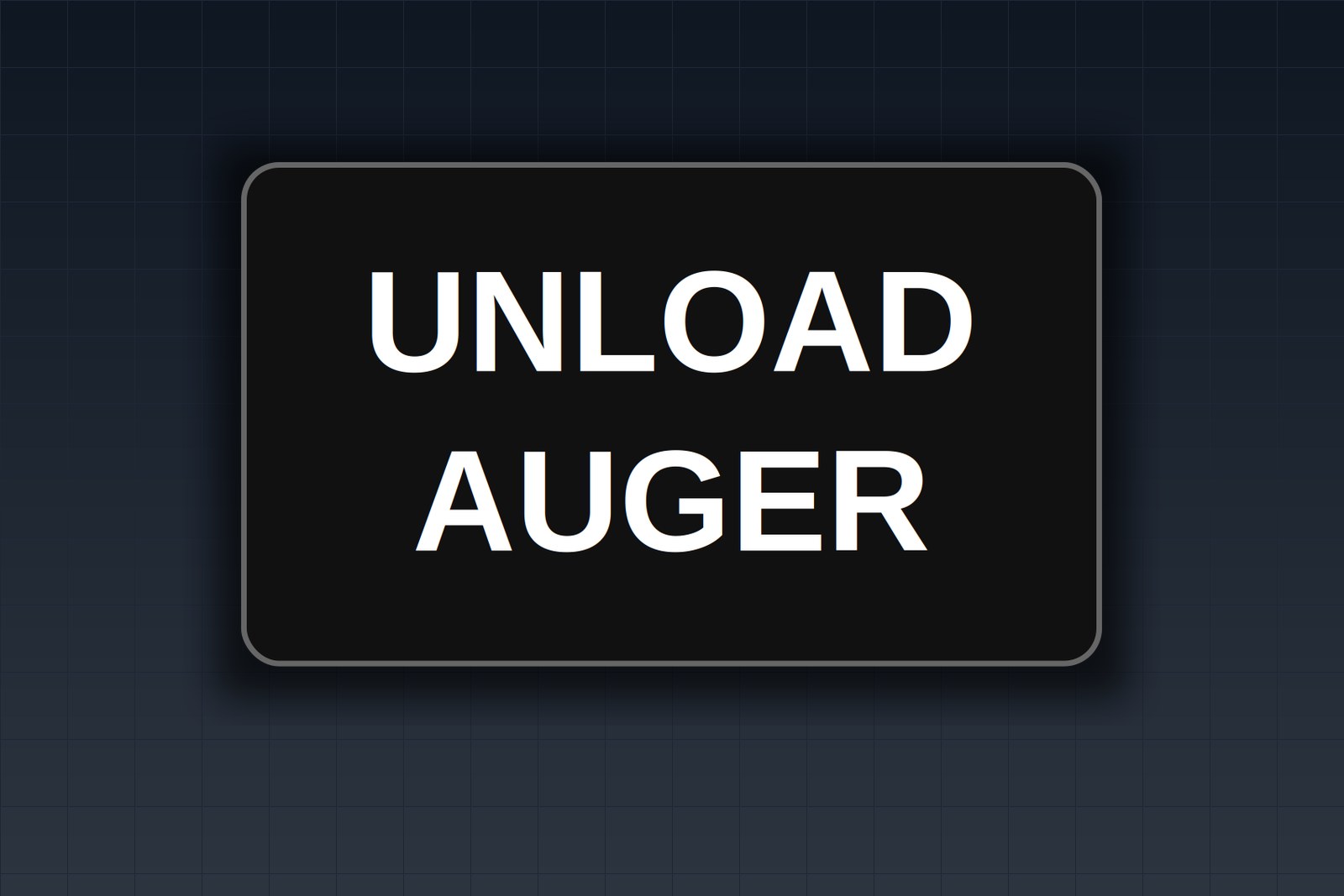
| Unload auger | UNLOAD AUGER START / STOP | Push buttons |
| Sweep auger | SWEEP START / STOP | Push buttons or key switch |
| Conveyor | CONVEYOR 2 | Pilot light or push button |
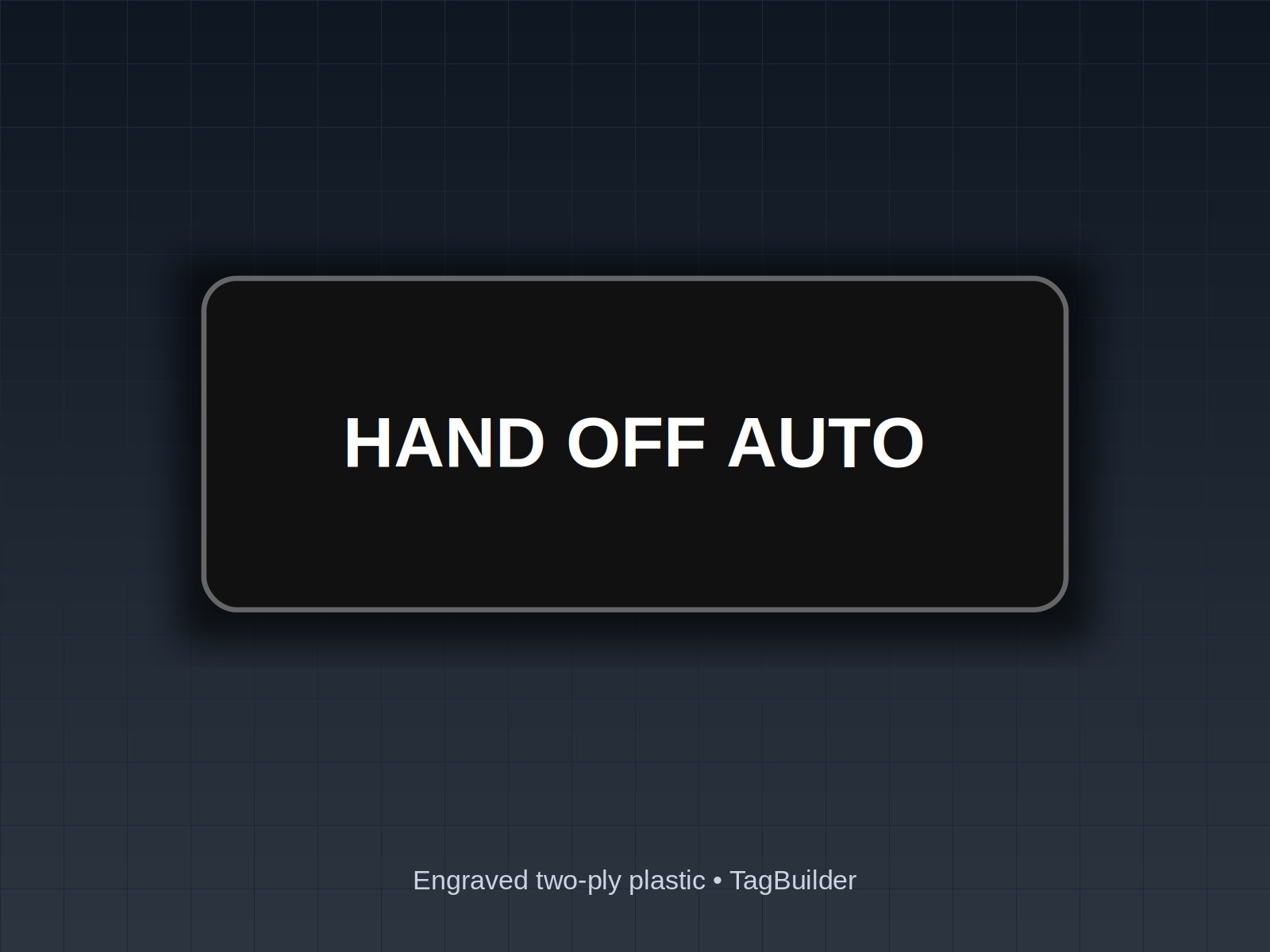
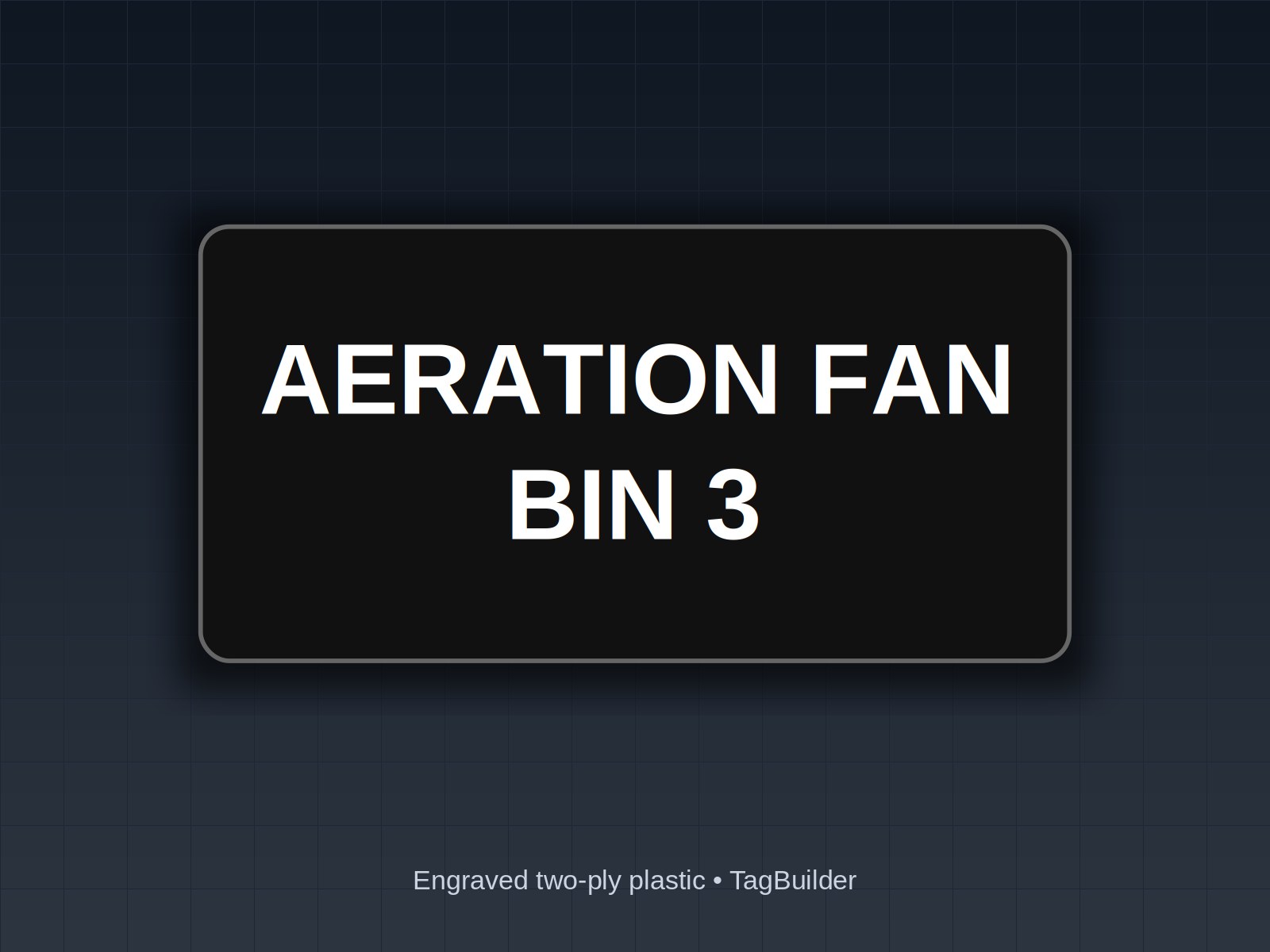
| Aeration fan | AERATION FAN BIN 3, then HAND OFF AUTO | Three-position selector |
| Dryer fan | DRYER FAN | Selector or push button |
| Burner | BURNER | Selector or push button |
| Distributor | DISTRIBUTOR | Selector or push button |
| Emergency stop | EMERGENCY STOP | Mushroom pushbutton |
Keep legends short enough to read at arm's length with gloves on. If you need a third line, it is usually better to add a second plate than to shrink the text.
Labeling HAND OFF AUTO selectors on aeration fans
Yes, label them. A three-position selector with no legend gives the operator three positions and no information. For aeration fans the legend is normally HAND, OFF, AUTO at the three positions, with the fan name on a plate above or beside the selector.
It matters because AUTO often means a controller is deciding when the fan runs. Someone who does not know that may leave a fan in HAND for a week, or turn one to OFF and not realize it will not start when the controller calls for it. For a deeper look at the legends themselves, see our guide to selector switch labels. If you want the exact item, the 22 mm HAND OFF AUTO three-line ring tag fits a standard 22 mm selector, and the 22 mm FAN ring tag or 30 mm FAN ring tag covers the fan name on the matching size.
E-stops, sweeps and lockout points
Augers and sweeps are the devices that hurt people. Mark every emergency stop clearly and make sure the legend says what it stops, especially where one panel serves several machines. The 60 mm emergency stop legend for a 22 mm operator is one option for the pushbutton itself.
Safety note: a label is not a lockout. Before anyone enters a bin or works on an auger, sweep or leg, the equipment needs to be shut off, isolated at its disconnect, locked and tagged, and the stored energy dealt with. Do not rely on a stop button or a plate to keep a machine from starting. Rules for grain handling and lockout differ depending on the type of operation, so check the current OSHA requirements that apply to your site and talk to a qualified safety professional about bin entry.
What a plate can do is tell people where the lockout point is. Put a legend on each disconnect that names the machine it isolates, for example DISCONNECT UNLOAD AUGER, so nobody has to trace conduit to find it.
Numbering bins and fans
Pick one scheme and use it on the panel, the bins, the drawings and the phone list. Two simple patterns work well:
- Bins: BIN 1, BIN 2, BIN 3, BIN 4, numbered in a fixed direction such as left to right facing the bins from the driveway.
- Fans: FAN 1 through FAN 4 if each bin has one fan, or FAN 3A and FAN 3B if a bin has two. The number matches the bin, the letter separates the fans on it.
Do the same for disconnects and breakers. The NEC generally expects disconnecting means to be identified and panelboard circuits to have a legible directory, and many AHJs look for the wording to match the actual loads. Section numbers and wording change between editions, so check the edition your jurisdiction has adopted, including any agricultural building requirements. In practice, if the breaker says FAN 3A and the panel schedule says FAN 3A and the plate on the fan disconnect says FAN 3A, nobody has to guess.
Outdoor durability, mounting and sizes
Panels outside or in dusty buildings take three kinds of punishment: ultraviolet light, grain dust and freeze-thaw cycling. Engraved text is cut into the plate rather than printed on top of it, so it does not rub off the way printed ink can. Two-ply plastic is a common choice for dry or sheltered panels, and engraved stainless is worth considering where there is washdown, heavy abrasion or constant exposure. Our indoor vs. outdoor tag materials article goes through the trade-offs.
Mount with screws or rivets, not adhesive alone. Adhesive gives out first when a plate is cold and dusty, and a plate that falls off is no better than no plate.
On sizes, grain panels are often a mix. Newer panels commonly use 22 mm operators. Older heavy-duty panels frequently use 30 mm operators with a larger legend plate. Measure the operator's mounting hole and the legend plate or nut ring before ordering, and keep one worn plate to compare against. If you are replacing plates on old buttons, our guide to replacing worn push button legend plates shows how to measure.
Worked example: a 4-bin site panel
Here is a legend list you can copy line for line. It covers one leg, a fill auger, four aeration fans, an unload auger, a sweep and a dryer. The conveyor entries are optional, and the 22 mm CONVEYOR ring tag can be used if you have one.
- LEG 1 START
- LEG 1 STOP
- FILL AUGER START
- FILL AUGER STOP
- AERATION FAN BIN 1 / HAND OFF AUTO
- AERATION FAN BIN 2 / HAND OFF AUTO
- AERATION FAN BIN 3 / HAND OFF AUTO
- AERATION FAN BIN 4 / HAND OFF AUTO
- UNLOAD AUGER START
- UNLOAD AUGER STOP
- SWEEP START
- SWEEP STOP
- DRYER FAN
- BURNER
- EMERGENCY STOP
- DISCONNECT LEG 1
- DISCONNECT FILL AUGER
- DISCONNECT UNLOAD AUGER
- DISCONNECT SWEEP
Add one line per breaker, using the same names as your panel schedule, and the whole panel reads the same from the operator station to the load center.
Frequently Asked Questions
How do I label a grain bin control panel?
Put the equipment name and the action on every operator device, such as FILL AUGER START or LEG 1 STOP, and label each selector with its positions. Add a plate to every disconnect and breaker that names the machine it feeds, using the same wording as your panel schedule.
What labels hold up outside on a farm panel?
Engraved plates screwed to the panel hold up better than stickers because the text is cut into the material instead of sitting on top. Two-ply plastic suits many sheltered panels, and engraved stainless is worth considering for harsher exposure. Avoid adhesive-only mounting in cold, dusty locations.
Should aeration fans have HAND OFF AUTO switches labeled?
Yes. A selector with no legend gives no hint that AUTO hands control to a controller, and a fan left in HAND or OFF by mistake can sit that way for days. Label the three positions and add the fan name, such as AERATION FAN BIN 3.
How do I number bins and fans?
Number bins in one fixed direction, BIN 1 to BIN 4, and tie each fan to its bin: FAN 3 for a single fan, FAN 3A and FAN 3B for two. Use the same numbers on the panel, the disconnects, the breakers and any drawings so every reference matches.
What size legend plate fits my old push buttons?
It depends on the operator. Many newer panels use 22 mm operators and many older heavy-duty panels use 30 mm, but check by measuring the mounting hole and the existing legend plate. Send us the old plate or its dimensions if you are unsure.
Send one legend, like FILL AUGER or AERATION FAN BIN 3, and we'll engrave a free sample plate to test on your panel.
If you would rather start from stock sizes, browse the ring tag catalog, or ask for a plate through our free sample page and check the fit on your own panel before you order the full set.
UL, NFPA, NEC, ASME, CEMA, TIA, ANSI and OSHA are names or marks of their respective organizations; TagBuilder is not affiliated with or endorsed by any of them. Requirements above are paraphrased summaries, not the text of any standard. Always work from the current published edition and your AHJ.