Selector Switch Labels Explained: HAND-OFF-AUTO, LOCAL-OFF-REMOTE and 2- and 3-Position Legends
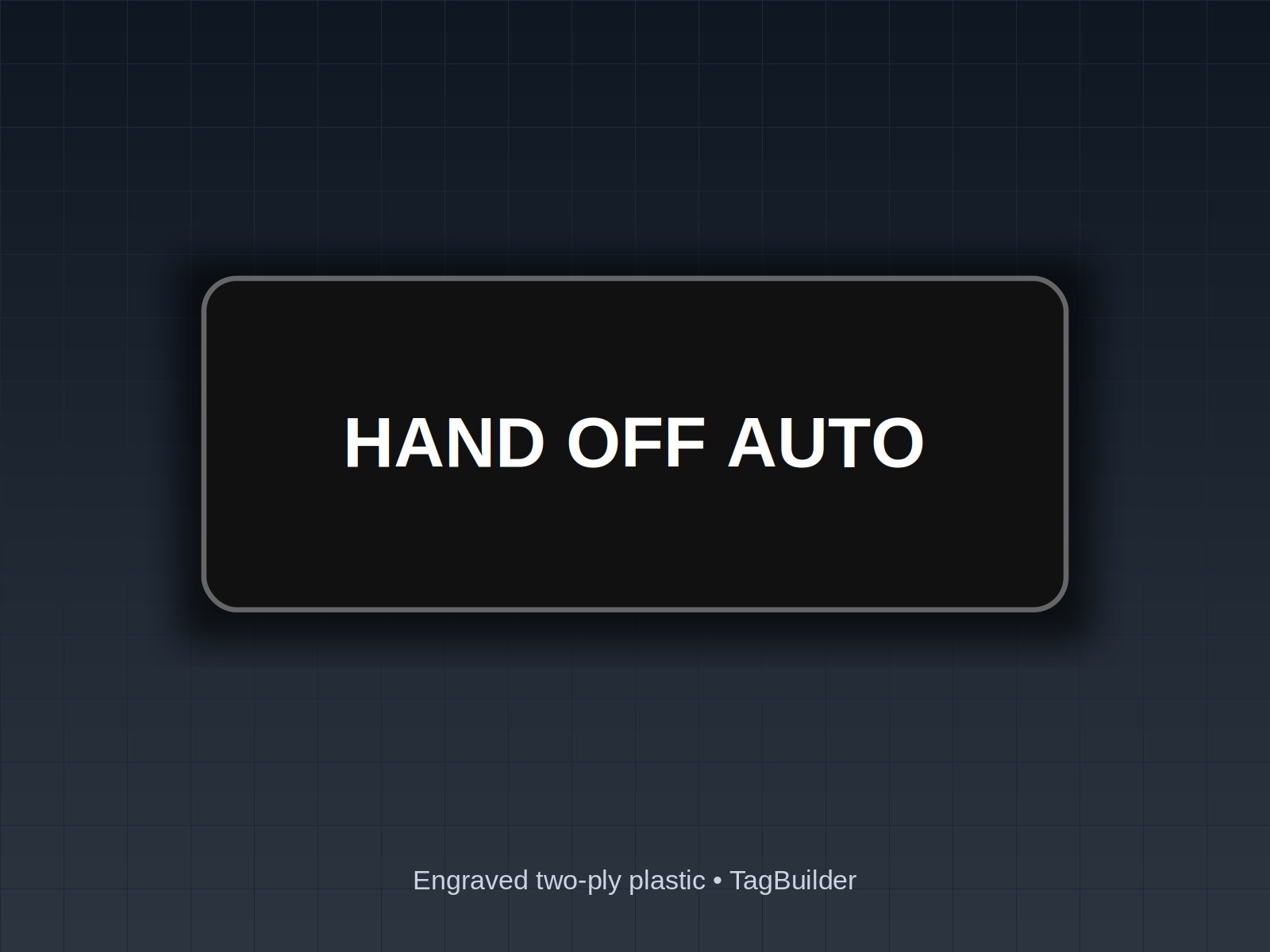
The door says HAND OFF AUTO, but the wiring behind it says something else, and the next tech trusts the plate.
Important Disclaimer
This article is provided for general informational purposes only and does not constitute legal, safety, or professional compliance advice. Regulations, standards, and codes are subject to change and may be interpreted differently by authorities having jurisdiction (AHJ). Always consult with qualified safety professionals, licensed engineers, or legal counsel to determine the specific requirements applicable to your facility. TagBuilder is not responsible for any actions taken based on this information.
Short answer: HAND-OFF-AUTO (HOA) is a three-position selector. HAND runs the load from the panel, OFF stops it, and AUTO hands control to a PLC, BAS, float or pressure switch. LOCAL-OFF-REMOTE says where commands come from, not whether the load runs. In every case the legend has to match how the switch is actually wired.
What the common selector legends mean
Selector legends fall into two families. Some describe who is in control (HAND/AUTO, LOCAL/REMOTE, MANUAL/AUTO). Others describe what the device does (ON/OFF, OPEN/CLOSE, FWD/REV, SPEED 1/SPEED 2). Mixing the two on one plate is where confusion starts.
The table below lists the legends we see most often on panel doors, with the positions, what each position does, and where it is typically used.
| Legend | Positions | What each position does | Typical use |
|---|---|---|---|
| HAND-OFF-AUTO | 3, maintained | HAND runs the load from the panel. OFF stops it. AUTO lets the controller or field switch decide. | Pumps, fans, compressors |
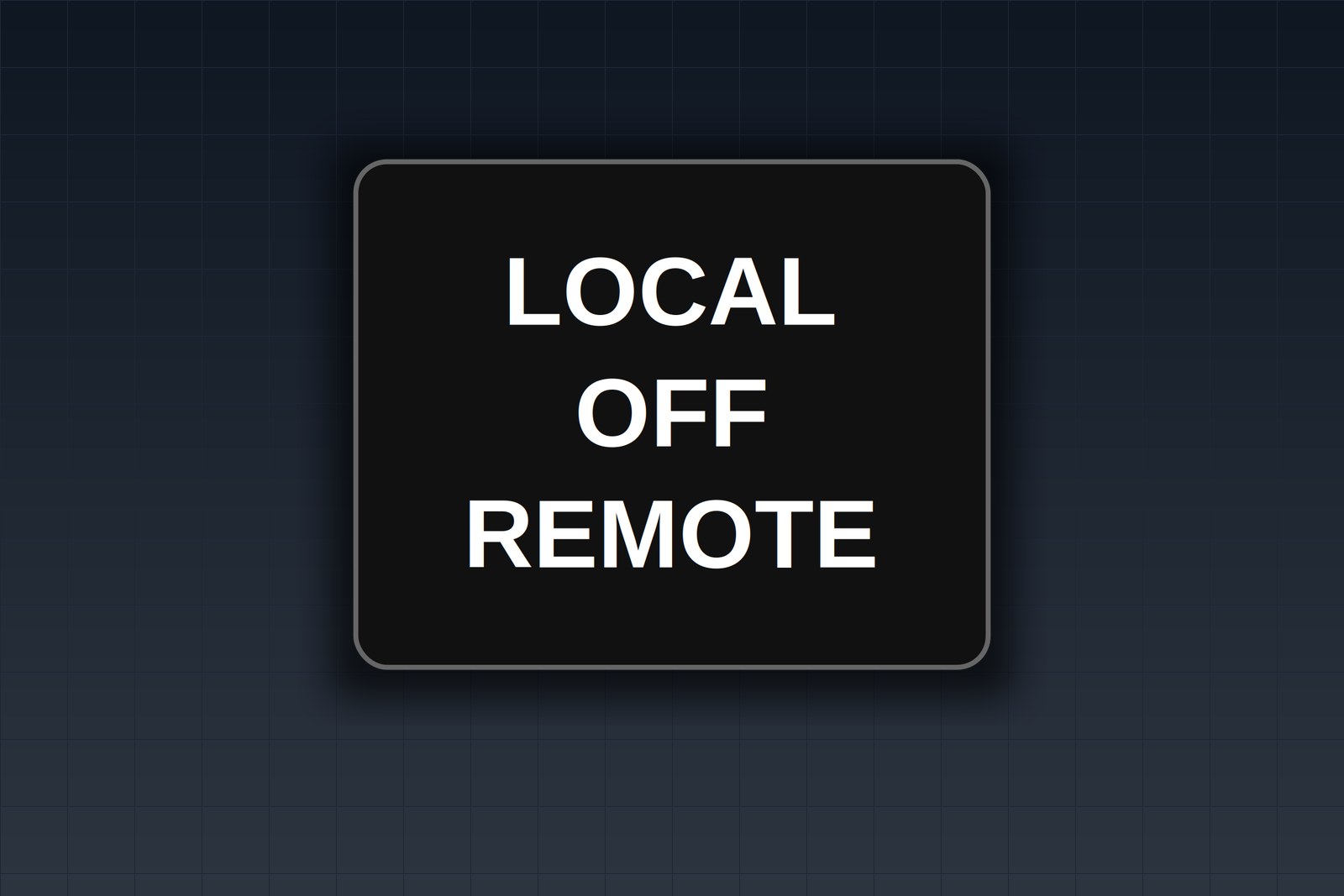
| LOCAL-OFF-REMOTE | 3, maintained | LOCAL takes commands from the panel or equipment station. OFF blocks both. REMOTE takes commands from the PLC, SCADA or a remote station. | Motor starters, drives, equipment skids |
| AUTO-MANUAL | 2, maintained | AUTO follows the sequence or setpoint. MANUAL gives control to the operator. | Process valves, feeders, sequences |
| ON-OFF | 2, maintained | ON energizes the circuit. OFF drops it. | Heaters, lights, small fans |
| OPEN-CLOSE | 2 or 3, often spring-return | Drives a valve, damper or gate toward the named position. | Valves, dampers, gates |
| FWD-OFF-REV | 3, maintained or spring-return | Selects direction of rotation or travel, with OFF between. | Conveyors, hoists, gate operators |
| PUMP 1 - ALT - PUMP 2 | 3, maintained | Names the lead pump, or alternates lead duty each cycle. | Duplex pump and compressor sets |
| SPEED 1 - SPEED 2 | 2, or 3 with OFF | Selects a speed step on a two-speed motor or drive preset. | Two-speed fans, mixers |
These are conventions, not rules. A switch contact block can be wired to do almost anything, so the plate describes the circuit in front of you, not a general idea of what the words usually mean.
HAND-OFF-AUTO: what each position does
HAND
HAND runs the load directly from the panel. On most starters it bypasses the automatic controller, so the PLC or float switch no longer decides when the motor runs. Whether it also bypasses the safeties depends on the wiring. In a typical design the overloads, emergency stops and high-level or low-pressure cutouts stay in the circuit, but that is a design choice, so confirm it on the schematic instead of assuming it from the plate.
OFF
OFF should mean the load cannot start from either side. If the controller can still start the unit with the switch in OFF, the legend is misleading and the wiring or the legend needs to change.
AUTO
AUTO passes control to whatever is upstream: a PLC output, a building automation point, a float, a pressure switch or a timer. The motor may sit still for hours in AUTO and then start without anyone touching the panel. That is why people service a unit with the switch left in AUTO and get surprised.
If you buy these ready-made, the 22mm HAND-OFF-AUTO three-line plate, white on black and the 30mm HAND-OFF-AUTO ring tag, white on black cover the usual hole sizes.
LOCAL-OFF-REMOTE answers a different question
HAND/AUTO tells you whether the operator or the automatic logic is running the unit. LOCAL/REMOTE tells you where commands come from: the equipment itself or a distant station such as SCADA. A unit can be in REMOTE and still be stopped because the remote station has not called for it.
The two can sit on the same equipment. A drive might have LOCAL-OFF-REMOTE for the command source and a separate HAND-OFF-AUTO for the pump logic behind it. Label each switch with the question it answers, and add a device name above it so nobody has to guess which one they are touching. For single-purpose switches, the 22mm LOCAL / REMOTE two-line plate and the 22mm AUTO / MANUAL two-line plate are stocked.
Matching the legend to the handle
The handle points at a word, so the word has to sit where the handle stops. That is the whole job of the plate.
- 3-position switch, arc style: the legend reads left to right as left, center, right, or follows an arc across the top of the operator. HAND-OFF-AUTO on one line puts HAND at the left detent, OFF at center, AUTO at the right.
- 2-position switch: two words, left and right, such as AUTO and MANUAL. Nothing sits at center.
- Stacked three-line style: the words run top to bottom. It suits operators whose positions are spread vertically or where the plate has no room to run wide. The handle must visibly point at each line.
Detent angles vary by manufacturer and by operator. Many 3-position selectors use a fixed angle between stops, but check the data sheet and turn the handle through every position before you finalize the text. A word that sits 10 degrees off from the stop reads as the wrong word.
Maintained versus spring-return
A maintained position stays where you leave it. A spring-return position goes back to center when you let go, so it is momentary. Mark that on the plate with the word or an arrow, for example START (MOMENTARY) or an arrow toward the spring-return side. Without it, a person holds the handle for a second, lets go, and wonders why the unit stopped. For push-button wording, see the legend wording guide for START, STOP and RESET.
Worked example: a duplex pump panel door
This is a panel with two pumps, an alternator and a panel-level command selector. The table lists the legend text left to right, the plate size and the colors. Copy it line for line and change the pump tags to suit your drawings.
| Device | Legend (left / center / right) | Plate | Colors |
|---|---|---|---|
| Pump 1 selector | HAND / OFF / AUTO | 22 mm | White on black |
| Pump 2 selector | HAND / OFF / AUTO | 22 mm | White on black |
| Alternator | PUMP 1 LEAD / ALT / PUMP 2 LEAD | 30 mm, longer text | White on black |
| Panel command source | LOCAL / OFF / REMOTE | 22 mm | White on black |
Add a rectangular device label above each switch: PUMP 1, PUMP 2, LEAD / LAG and PANEL CONTROL. That keeps the selector plates short and gives the technician the name from the drawing.
- Use the same wording on both pump selectors so the pair reads as a pair.
- Put the alternator plate on a 30 mm operator when the text will not fit at a readable height on 22 mm.
- Keep the colors the same across the door unless your site standard says otherwise.
- Put the same wording on the drawing and the BOM. The guide to specifying engraved labels on drawings and BOMs shows how.
What goes wrong when the legend is off
- An operator puts a pump in HAND to clear a flooded wet well, but the plate was copied from another job and the middle position actually calls the pump from the controller.
- A tech services Pump 2 because the plate said PUMP 2, but the switch was wired to Pump 1 after a rework.
- A LOCAL-OFF-REMOTE plate gets read as a run command, so someone leaves it in REMOTE and waits for the unit to start.
- A reorder arrives for 30 mm operators when the door has 22 mm holes, because the original size was never written down.
None of these need anything exotic. They come from legends that were typed from memory instead of from the schematic, and from sizes that were not recorded.
Frequently Asked Questions
What does HOA mean on a pump panel?
HOA stands for HAND-OFF-AUTO. HAND runs the pump from the panel, OFF stops it, and AUTO lets the controller, float switch or pressure switch start and stop it. Check the schematic, since the exact behavior depends on how the contacts are wired.
Does HAND bypass safeties?
Not necessarily. HAND usually bypasses the automatic controller, while motor overloads and emergency stops are commonly still in the circuit. Some designs also bypass process interlocks such as low-level cutouts. The only reliable answer is the schematic for that panel.
What is the difference between LOCAL/REMOTE and HAND/AUTO?
LOCAL/REMOTE selects where commands come from, either the equipment or a remote station. HAND/AUTO selects whether the operator or the automatic logic runs the unit. They answer different questions and can appear on the same machine.
Which way should the legend read on a 3-position switch?
Left to right, matching the left, center and right detents, or along an arc across the top of the operator. Turn the handle through each position and confirm the handle points at the right word before you order.
Can I get HAND OFF AUTO on one line?
Yes. A single-line arc layout puts all three words across the plate, and a stacked layout puts them on three lines. Choose the one that matches your operator and handle positions, and send the text and plate size when you order.
Tell us your switch positions and legend text and we'll engrave one free sample selector plate so you can check it on the handle.
If you want to browse the standard stock first, see the selector switch plates in the shop. The guide to 22 mm and 30 mm push-button ring tags covers the mounting sizes in more detail.
UL, NFPA, NEC, ASME, CEMA, TIA, ANSI and OSHA are names or marks of their respective organizations; TagBuilder is not affiliated with or endorsed by any of them. Requirements above are paraphrased summaries, not the text of any standard. Always work from the current published edition and your AHJ.