Color-Coded Valve Tag Schedule: A Worked 40-Valve Mechanical Room Example
You have a clipboard of valve numbers from the mechanical room walk-down and a color convention you already trust. What you do not have is a clean list a shop can read and quote without calling you back six times.
Important Disclaimer
This article is provided for general informational purposes only and does not constitute legal, safety, or professional compliance advice. Regulations, standards, and codes are subject to change and may be interpreted differently by authorities having jurisdiction (AHJ). Always consult with qualified safety professionals, licensed engineers, or legal counsel to determine the specific requirements applicable to your facility. TagBuilder is not responsible for any actions taken based on this information.
What a valve tag schedule is
A valve tag schedule is a single table that lists every valve you want tagged: its ID, the service wording that goes on the tag, the background and text color, the tag diameter and where the valve lives. One row per valve. Everything else, including quantities, is calculated from that table.
The process is short:
- Walk the room and write down every valve that needs a tag, with its location.
- Assign a color to each service using your facility standard. ASME A13.1 is the common reference for pipe and service colors, but the edition, the owner's spec and the local AHJ can all differ, so check which one governs your job.
- Assign IDs from a numbering block.
- Roll identical rows up into unique tag types and count them.
- Check the list, add spares and order.
This article covers the schedule itself. For what each color means and why, see the valve tag color code guide. Tag sizing and ID numbering rules are covered in their own articles, and we will not repeat them here.
The example: a 40-valve mechanical room
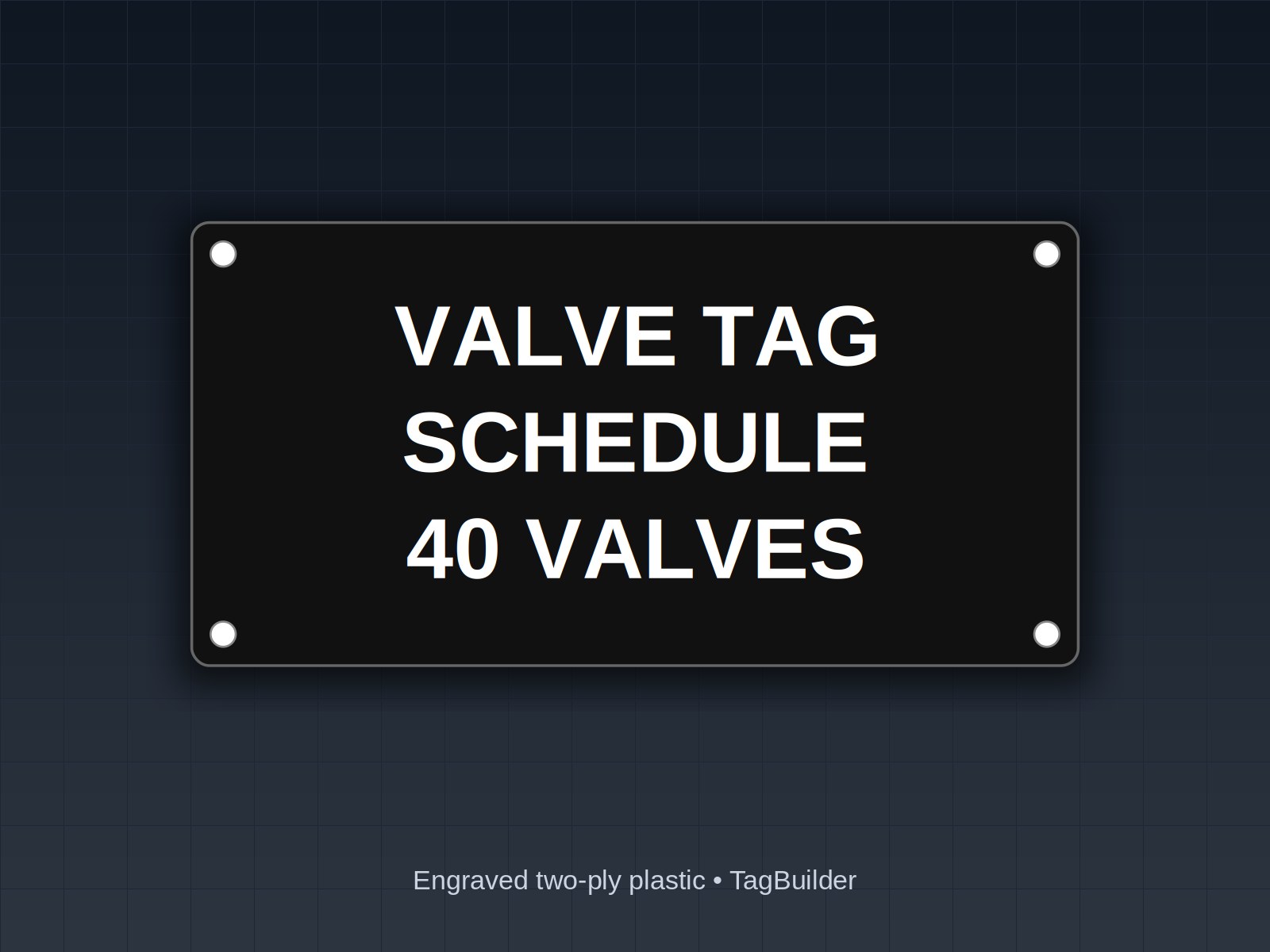
The room in this example has a small hot water loop, a chilled water loop, a domestic water entry and two pumps. The walk-down found 40 valves that need tags. We reserved the numbering block V-101 to V-140, assigned in order by system so that a maintenance tech can tell roughly where a valve is from its number alone.
The 40 rows rolled up into 9 tag types
Forty valves sounds like forty different tags. It is not. Many valves share the same wording and color, and the only difference between them is the ID. Grouping by service wording, colors and size gives nine unique types:
| Type | Tag text | Colors | Size | Qty | ID block |
|---|---|---|---|---|---|
| 1 | HWS | Black on orange | 1.5 in | 6 | V-101 to V-106 |
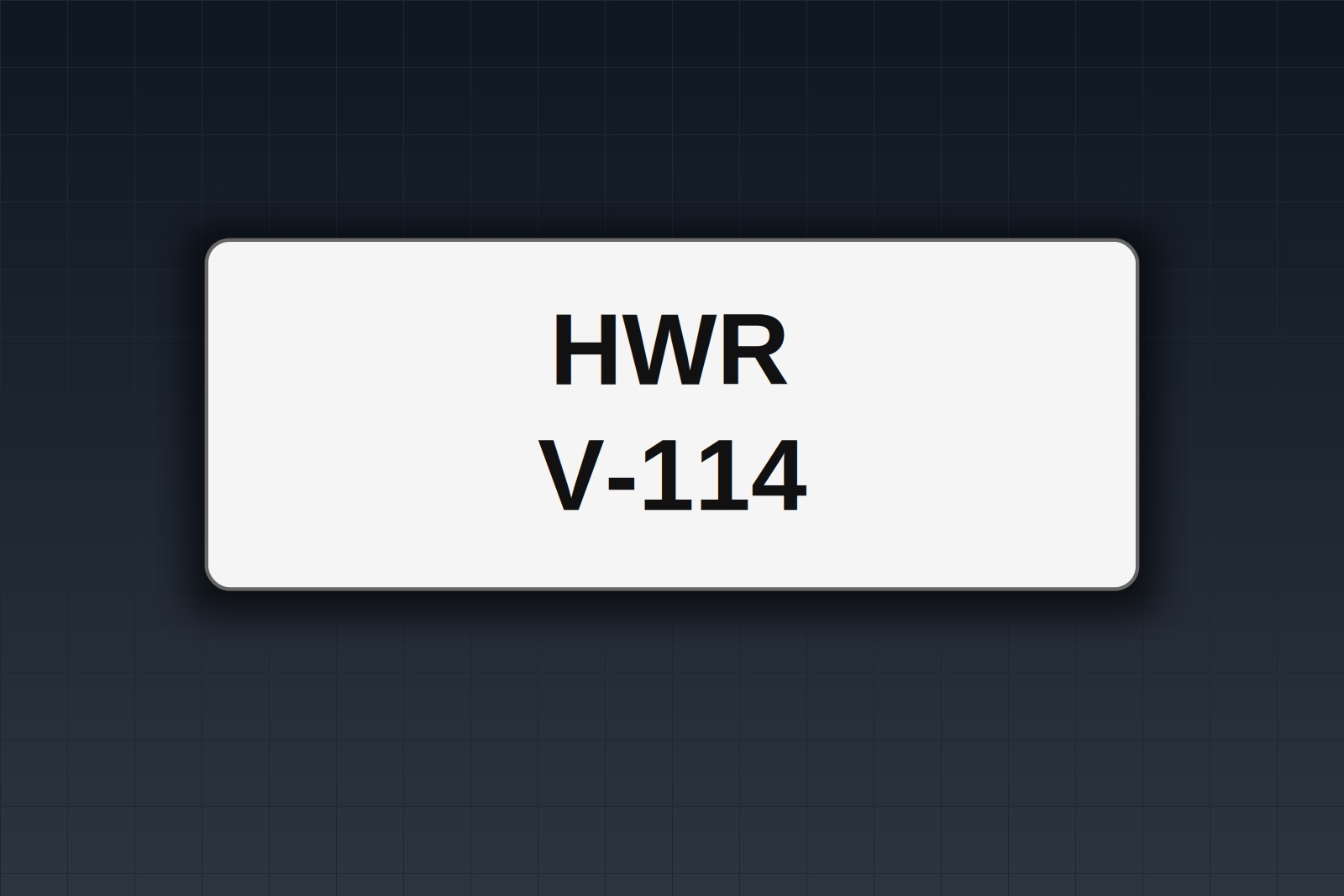
| 2 | HWR | Black on orange | 1.5 in | 6 | V-107 to V-112 |
| 3 | CHWS | White on green | 1.5 in | 6 | V-113 to V-118 |
| 4 | CHWR | White on green | 1.5 in | 6 | V-119 to V-124 |
| 5 | DRAIN (HW) | Black on orange | 1.5 in | 3 | V-125 to V-127 |
| 6 | DRAIN (CHW) | Black on orange | 1.5 in | 3 | V-128 to V-130 |
| 7 | DCW ISOL | White on blue | 1.5 in | 4 | V-131 to V-134 |
| 8 | DHW ISOL | White on blue | 1.5 in | 3 | V-135 to V-137 |
| 9 | PUMP ISOL | Black on white | 2 in | 3 | V-138 to V-140 |
The quantities add up to 40. Nine types is what you tell the shop; forty IDs is what you keep in your own spreadsheet.
A note on the colors: these are the choices for this example room, not a rule. Orange for HWR and DRAIN, and green for CHWR, are common in plant practice, but your owner's standard may call for something else. Pick one scheme, write it down and apply it everywhere. Mixed schemes inside one building are the real problem.
Building the spreadsheet
Keep two sheets. The first is the working schedule, one row per valve. The second is the order sheet, one row per tag type. The order sheet is built from the first by a pivot or a simple count, so you never type a quantity by hand.
Columns for the working schedule:
- Tag ID: the unique number, such as V-107.
- Service line: the wording that appears on the tag, such as HWR.
- Background and text color: for example black on orange.
- Size: tag diameter.
- Location: room, equipment or grid reference, for example "HWR header, north wall".
- Quantity: usually 1 on this sheet.
- Notes: mounting method, a second line of text, or a flag for a valve you could not confirm.
Here is what a few rows look like:
| Tag ID | Service line | Colors | Size | Location | Notes |
|---|---|---|---|---|---|
| V-101 | HWS | Black on orange | 1.5 in | Boiler 1 outlet | |
| V-107 | HWR | Black on orange | 1.5 in | Boiler 1 return | Chain mount |
| V-119 | CHWR | White on green | 1.5 in | Chiller return header | |
| V-125 | DRAIN (HW) | Black on orange | 1.5 in | Low point, HW loop | Confirm drain size |
| V-138 | PUMP ISOL | Black on white | 2 in | P-1 suction | Add P-1 on line 2 |
Notice the DRAIN rows. A drain on the hot loop and a drain on the chilled loop share a color but not a type, because the wording differs. Splitting them costs nothing and tells the next tech which loop they are about to open. If you want to see how the stock versions of these look, the CHWR white on green tag is a good reference for the layout.
How many valve tags do you need for a boiler room?
Count valves, not equipment. A boiler room's tag count is driven by isolation valves on each supply and return, drains, bypasses, fill and makeup connections and anything a technician would need to find in the dark. Start from the piping diagram, then confirm against the room. Diagrams and installed piping do not always match, which is the main reason to walk it.
Decide in advance whether to tag every valve or only those that operate the system. Many owners set a rule such as "every valve that isolates equipment or a branch, plus every drain." Write that rule at the top of the schedule so the next person extending it applies the same test.
Spares and rounding
Order a few more than you count. Valves get added during commissioning, a tag gets damaged during install, and a corrected ID is cheaper to swap than to reorder. A common approach is one spare per tag type, or a small percentage on the larger groups. Either is a judgment call, not a rule.
In the example, one spare per type takes the order from 40 to 49 tags. Spares should carry the same wording and colors as the group, with the ID left for you to assign. Say so in the notes column so the shop does not number them in the sequence.
Checking the schedule before you order
The cheapest place to find a mistake is the spreadsheet. The most expensive is a bag of finished tags on the mechanical room floor. Run through this list first:
- Duplicate IDs. Sort the ID column and scan it, or use a duplicate highlight. V-101 to V-140 should show exactly 40 unique entries with no repeats and no gaps you did not intend.
- Wording matches the drawings. If the P&ID says CHWS, the tag says CHWS, not CHW SUP.
- Color matches the standard you chose. Check each type against the facility spec or your written scheme, and confirm the edition if the owner references one.
- Text color has contrast. Dark text on dark backgrounds is the usual error.
- Size fits the valve. Check handle clearance and the space where the tag will hang or mount.
- Quantities tie out. The order sheet total equals the working sheet row count, plus spares.
- Locations are specific. A tech should find the valve from the location column alone.
- AHJ or owner review done where either has a say in labeling.
Sending it to the shop
Send the spreadsheet as-is, plus a photo or two of the room if you have them. A shop can work from a clean schedule faster than from a long email. Mark the unusual rows, such as a second line of text, a different mounting method or a tag that must match an existing one, so they get a second look.
If you plan to extend the system later, keep the numbering block for each system open at the end. Leaving V-141 and up for the next phase is much easier than renumbering.
Frequently Asked Questions
What is a valve tag schedule?
It is a table with one row per valve listing the tag ID, service wording, background and text colors, tag diameter and location. It is the document you build before ordering and the document your maintenance team uses afterward.
What colors should I use for HWS, HWR, CHWS and CHWR valve tags?
Use your facility standard or the owner's spec. ASME A13.1 is the common reference, but editions and local expectations vary, so confirm which one applies. In the example above, HWS and HWR are black on orange and CHWS and CHWR are white on green, and the guide on color conventions explains the reasoning.
How do I turn a valve list into a valve tag order?
Keep one row per valve, then group rows that share wording, colors and size into unique types and count each group. The result is a short order sheet, nine rows in this example, that tells the shop exactly what to make.
How many spares should I order?
There is no fixed number. One spare per tag type is a practical starting point, with a few extra on larger groups if you expect additions during startup. Mark spares as unnumbered so they are not confused with real valves.
Can the same color be used for different services?
Yes, as long as the wording is different and the scheme is documented. In the example, both loop drains are orange, and the text tells them apart. Avoid sharing both color and wording between different systems.
What if I find a valve after I have ordered?
Add it to the end of the numbering block, add a row to the working schedule and order one tag of the matching type. This is why the spare column and an open number range are worth the effort.
Send us your valve list or a photo of your schedule and we will send back a free sample tag set in your colors.
If you are still settling on colors, start with the valve tag color code guide. For the lines between the valves, take a look at our pipe markers, and if you would like to see a physical tag before committing to forty of them, the free sample page is the quickest way.
UL, NFPA, NEC, ASME, CEMA, TIA, ANSI and OSHA are names or marks of their respective organizations; TagBuilder is not affiliated with or endorsed by any of them. Requirements above are paraphrased summaries, not the text of any standard. Always work from the current published edition and your AHJ.