Control Panel Label Colors: What Red, Yellow and Black Plates Mean
You are writing a label list for a panel and every plate needs a color, but the spec only says “per standard.” Here is what the common color pairings usually mean and where each one comes from.
Important Disclaimer
This article is provided for general informational purposes only and does not constitute legal, safety, or professional compliance advice. Regulations, standards, and codes are subject to change and may be interpreted differently by authorities having jurisdiction (AHJ). Always consult with qualified safety professionals, licensed engineers, or legal counsel to determine the specific requirements applicable to your facility. TagBuilder is not responsible for any actions taken based on this information.
How to Read a Color Name
Start with the ordering convention, because it trips up more orders than any color choice. When a plate is called white on black, the first color is the letters and the second is the plate. White on black is white text on a black plate. Black on yellow is black text on a yellow plate.
Engraved two-ply plastic works the same way. The engraving cuts through the top ply and exposes the core ply underneath, so the letters take the core color and the plate takes the face color. That is why you will see the letter color listed first. If a drawing just says “black/white,” ask which one is the lettering before you release the order.
When you write a spec, state it both ways once: “white letters on black plate.” It costs a few words and removes the ambiguity.
Where the Common Pairings Come From
Most plate color practice in the U.S. traces back to the ANSI Z535 family of safety color and sign standards. They tie a signal word to a color. In general practice:
- Red goes with DANGER, the highest hazard level.
- Orange goes with WARNING.
- Yellow goes with CAUTION.
- Blue goes with NOTICE or general instruction.
- Green is used for safety equipment and first aid information.
The lettering on those plates is chosen for contrast: white on red and blue, black on orange and yellow. The exact header layouts and wording depend on which part of the series and which edition your customer cites, so check the current edition instead of copying an old label.
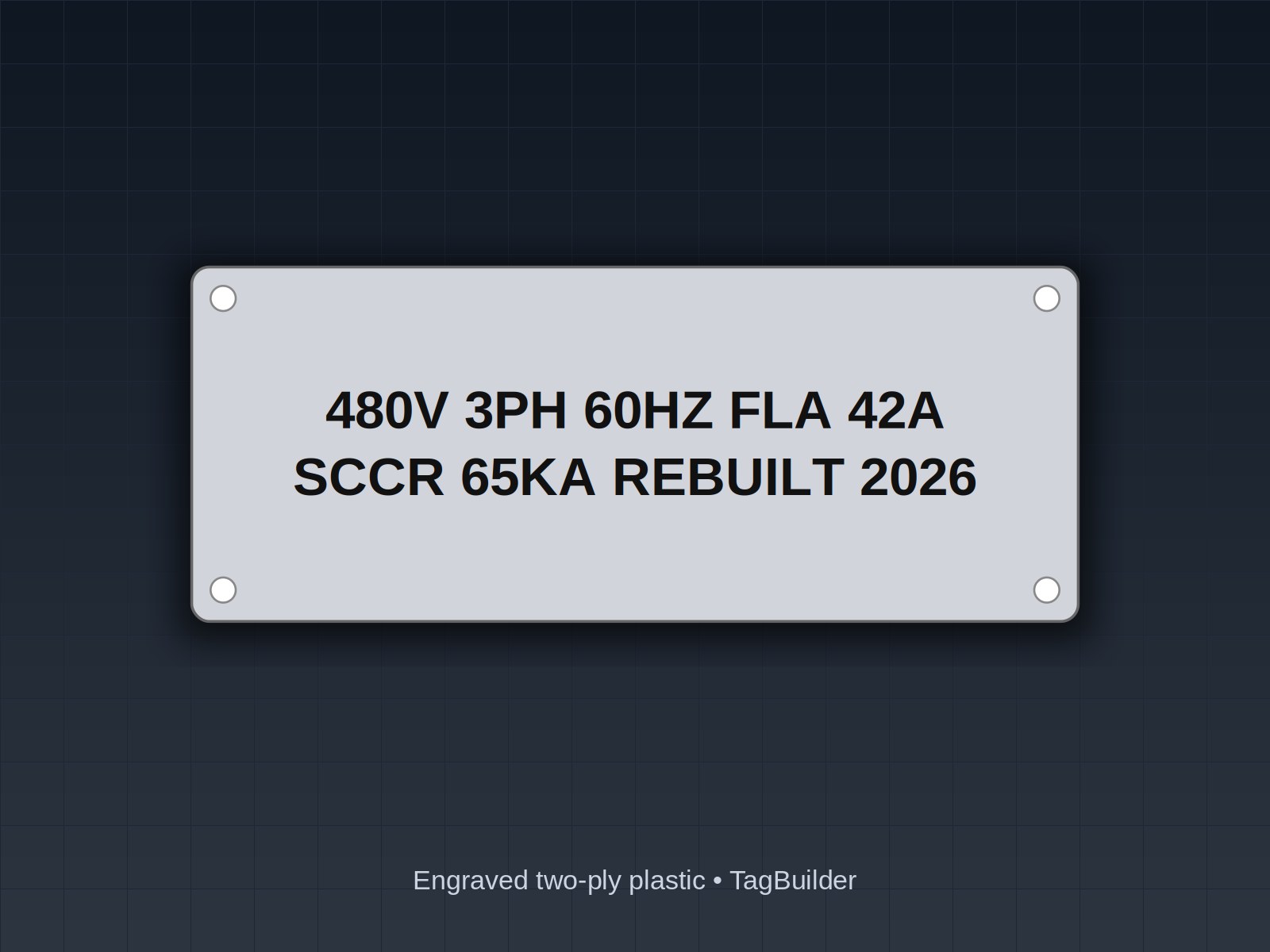
Identification plates are a different job. A nameplate that says what a device is, with no hazard attached, is usually white on black. It reads well, it looks the same across a whole door, and it keeps the loud colors for things that need attention. If every plate on a door is yellow, none of them stands out.
Black on White for Dark Enclosures
White-on-black plates are the default, but they vanish on a black or dark gray enclosure. Where the door or backpan is dark, black on white gives you the contrast. Some shops also use it inside the panel on light backpans for component tags. It is a readability choice, not a code requirement.
Pushbutton and Pilot Light Colors
Operator devices follow their own color rules, and legend plates generally follow the device. NFPA 79 (Electrical Standard for Industrial Machinery) and IEC 60204-1 use closely matched practice. In summary:
- Red: stop or off on a pushbutton; emergency or hazardous condition on a pilot light.
- Green: start or on on a pushbutton; normal or running on a pilot light.
- Yellow: abnormal condition on a pilot light, such as a tripped overload or a pressure out of range.
- Blue: a mandatory action, such as a reset the operator has to perform before restart.
- White, gray or black: neutral functions with no specific meaning, such as jog or general selection.
Emergency stop is the special case. Both documents call for a red actuator on a yellow background, so the legend plate behind an E-stop mushroom head is commonly yellow with black lettering. Details such as which colors are allowed for start and stop buttons differ between the two documents, so read the section that applies to your edition. The NFPA 79 marking requirements article covers the labeling side, and the pushbutton ring tag guide covers legend sizes for 22 mm and 30 mm devices.
The practical rule: if the device is green, a legend that says START should not sit on a red plate. Match the plate to the device or keep it neutral.
Use Case to Color
This table summarizes common practice. It is a starting point, not a requirement, and customer specifications come first.
| Use case | Letters on plate | Why |
|---|---|---|
| Equipment ID, door nameplate, device tag | White on black | Neutral identification, no hazard implied |
| Identification on a dark enclosure | Black on white | Contrast where black plates would disappear |
| High-voltage or danger-level hazard | White on red | Highest signal word color in Z535 practice |
| Warning, such as arc flash or shock hazard | Black on orange | Warning level in Z535 practice |
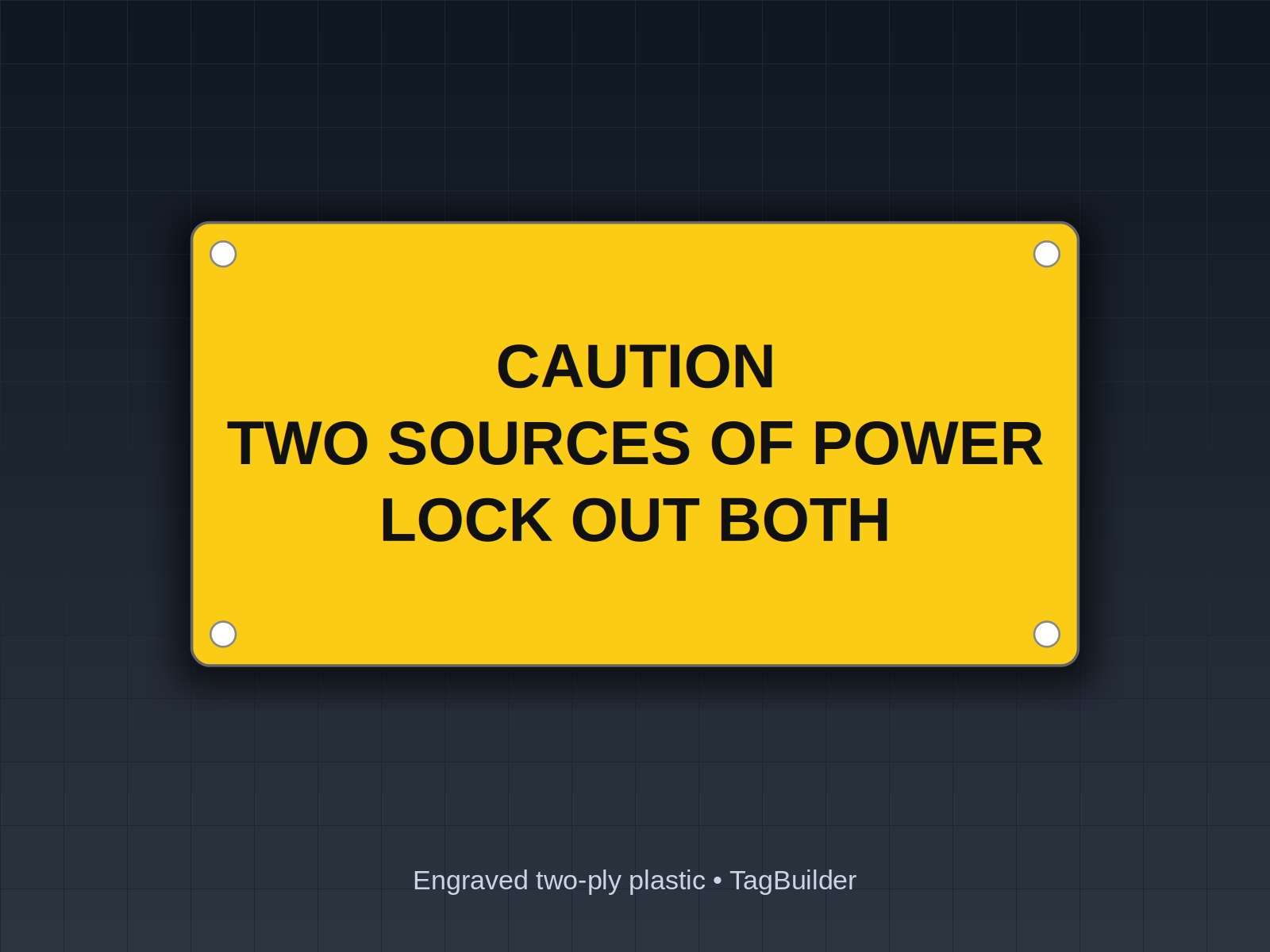
| Caution, such as remote power source | Black on yellow | Caution level in Z535 practice |
| Notice, instruction, procedure | White on blue | Non-hazard information |
| Emergency stop legend backer | Black on yellow | Yellow background behind red actuator |
| Stop, off, or fire and emergency circuit | White on red | Follows the red device |
| Start, run, normal condition | White on green | Follows the green device or lamp |
| Fault, abnormal condition | Black on yellow | Follows the yellow lamp |
| Reset or mandatory action | White on blue | Follows the blue device |
When a Customer Spec Changes the Rules
Plant standards often reverse or extend these conventions. Common examples: a facility that reserves red strictly for fire protection and emergency stop, a utility that wants all identification plates white on black and nothing else on the door, or an OEM that uses a house color for each voltage class.
When a spec conflicts with what you would normally do, follow the spec and note the difference on the drawing. Do not mix schemes on one panel. A maintenance tech who has learned that red means emergency at one plant should not find red used for a convenience circuit at another.
Also consider color-blind readers and poor lighting. Colors should never carry meaning alone. Put the words on the plate, and keep letter height readable from the viewing distance.
Worked Example: One Panel, Every Plate
Here is a label list for a conveyor control panel on a dark gray enclosure. Every plate has a function, text, and a letters-on-plate color.
| Location | Plate text | Color |
|---|---|---|
| Door, top center | CONVEYOR LINE 3 / CP-3 | Black on white (dark door) |
| Disconnect handle | MAIN DISCONNECT | Black on white |
| Door, near disconnect | DANGER: HAZARDOUS VOLTAGE INSIDE | White on red |
| Door, lower left | WARNING: ARC FLASH AND SHOCK HAZARD | Black on orange |
| Door, lower right | CAUTION: CONTROL POWER FROM EXTERNAL SOURCE | Black on yellow |
| Under green button | START | White on green |
| Under red button | STOP | White on red |
| Behind mushroom head | EMERGENCY STOP | Black on yellow |
| Under blue button | FAULT RESET | White on blue |
| Under green lamp | RUN | White on green |
| Under yellow lamp | OVERLOAD TRIPPED | Black on yellow |
| Inside, beside relays | CR1, CR2, CR3 | Black on white |
| Inside cover | DRAWING 3-1042 IN POCKET | White on blue |
Notice the pattern. The three loud hazard colors appear only on hazard plates. Operator plates follow their devices. Everything else is neutral, so the colored plates are the ones people actually see.
Frequently Asked Questions
Does white on black mean white letters or a white plate?
White letters on a black plate. The first color named is the lettering and the second is the plate. If a drawing is unclear, confirm before ordering.
Should an emergency stop legend be red?
The actuator is red, and NFPA 79 and IEC 60204-1 practice puts it on a yellow background. The legend plate behind it is commonly yellow with black text. Confirm against the current edition and your customer spec.
Is orange or yellow used for warnings?
In ANSI Z535 practice, orange goes with WARNING and yellow goes with CAUTION. Many older labels use yellow for both, so check which edition and which signal word your customer expects.
Can I use one color for all the plates on a panel?
You can, and for identification plates it is common to use white on black throughout. Reserve colored plates for hazards and operator device legends so they remain easy to spot.
Do legend plate colors have to match the button color?
There is no single rule that says so, but matching is the common practice and avoids mixed messages. A green START button with a red plate under it invites mistakes.
What if my customer spec contradicts these conventions?
Follow the spec, apply it consistently across the whole panel, and note the departure on the drawing so the next person knows it was deliberate.
Send one legend and the color you want and we'll engrave a sample plate and mail it, no charge.
If you are working through a full label list, you can lay out each plate in the lamacoid builder, pick pre-made hazard plates from the danger label shop, or read how ordering and production work before you send a drawing.
UL, NFPA, NEC, ASME, CEMA, TIA, ANSI and OSHA are names or marks of their respective organizations; TagBuilder is not affiliated with or endorsed by any of them. Requirements above are paraphrased summaries, not the text of any standard. Always work from the current published edition and your AHJ.